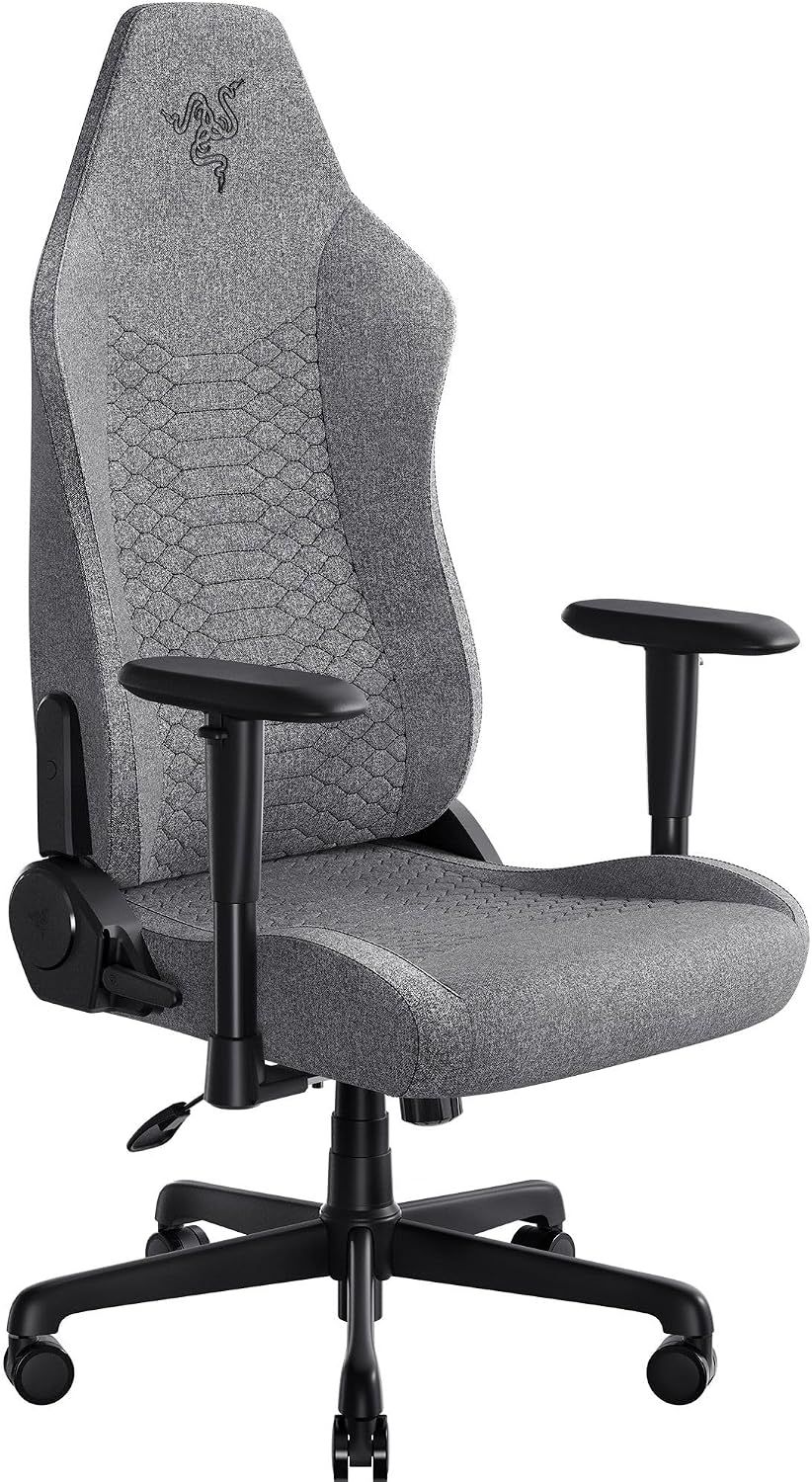
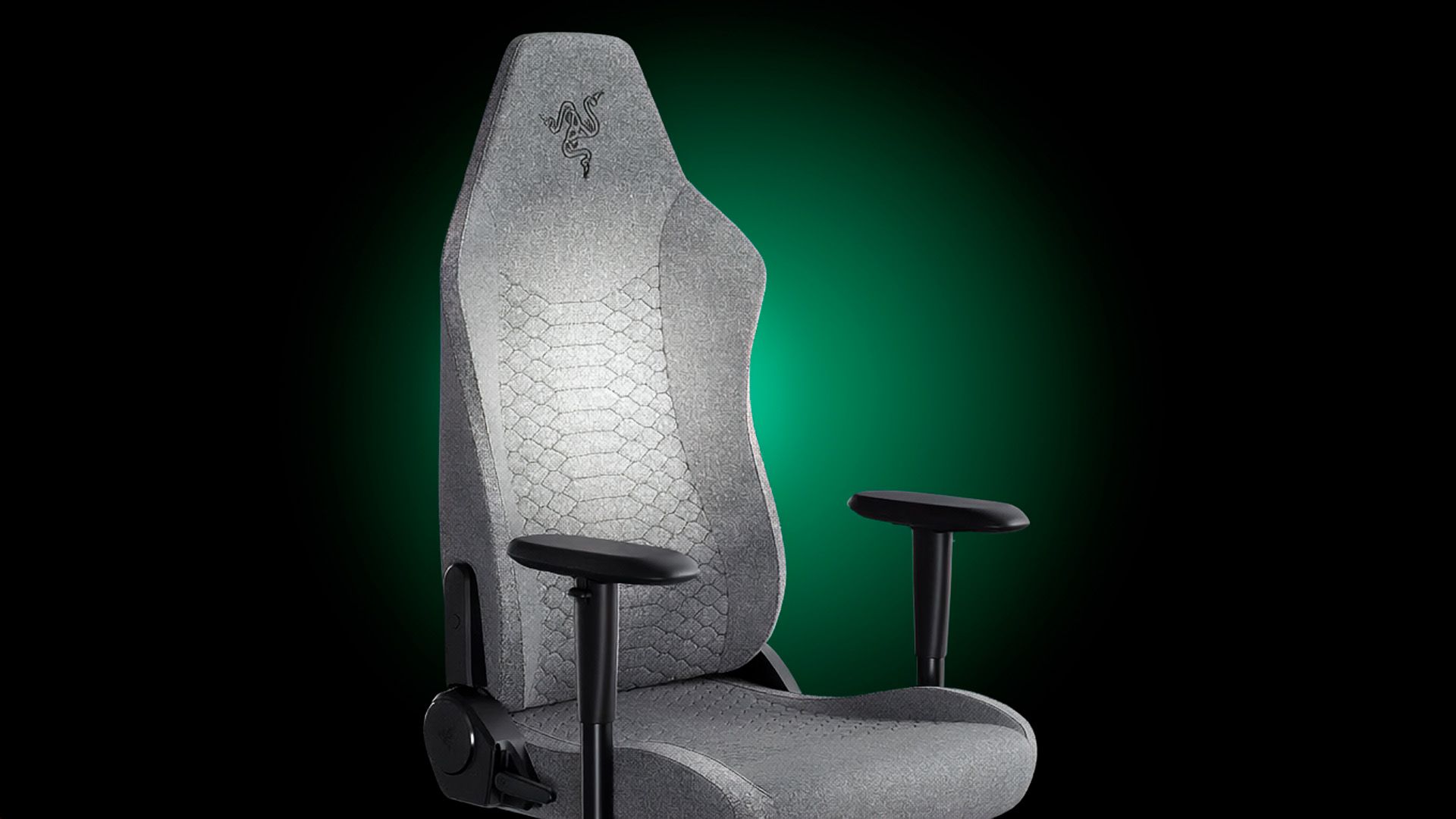
Finding a budget gaming chair that checks all the right boxes is rare. Our top recommendation, the Razer Iskur V2 X, is now available at a record-low price of $189.51, an $110.48 discount off its usual price.
The Iskur V2 X, one of the best gaming chairs, offers some of the best ergonomics in any budget gaming chair. Designed for long gaming sessions, it features an adjustable lumbar support system and high-density foam cushions that adapt to your body. Meanwhile, the 21.4-inch seat base evenly distributes your weight, so you stay comfortable whether you are leaning forward during gaming or lying back to relax.
The Iskur V2 X caters to a wide range of users. It can accommodate adults up to 6.2 feet tall and supports a maximum load of 299 pounds. Whether you are petite or average-sized, the Iskur V2 X's robust construction and reinforced frame are designed to keep you as comfortable as possible.
Razer backs the Iskur V2 X with a generous limited three-year warranty. That alone really sets it apart from the competition, where entry-level gaming chairs typically come with one-year warranties. The level of support demonstrates Razer's confidence in the Iskur V2 X's quality and durability, two areas that matter a lot when it comes to something that you will likely sit on every day until it breaks.
At just $189.51, you are unlikely to find another chair that matches the Iskur V2 X's blend of comfort, durability, and support. Whether you need a gaming chair or plan to use it as an office chair for long workdays, the Iskur V2 X offers outstanding value.
Libernovo is still basically brand new to the gaming chairs market — the company just released its first chair a little over a year ago. But the original Libernovo Omni was impressive: lightweight, dynamically ergonomic, and comfortable enough to supplant my ride-or-die Herman Miller Aeron for several months. Now Libernovo is branching out (sort of), with variations on its original Omni. There's a cheaper, less-techy version (the Omni SE), a fancier version with a built-in fan (the Omni Pro), and a sturdier version for people who are between 5 feet 10 inches and 6 feet 7 inches, weighing up to 399 pounds (181kg).
We're taking a look at the Libernovo Omni Pro, which is the more premium version of this already fairly pricey chair. It's got a few upgrades from the original Omni, including a reinforced aluminum alloy base and more durable fabric, as well as a built-in seat ventilation fan that works... surprisingly well, considering it doesn't blow air toward you but rather draws it away from you. As the fanciest Omni variation, the Omni Pro is, of course, pricier than the original Omni, but not by too much — its retail price is listed at $1,299, but that seems to be permanently discounted to $1,109. That's for just the chair itself; Libernovo also sells it bundled with a corresponding StepSync footrest for $1,183 (MSRP: $1,497), and with an extra battery for $1,247 (MSRP: $1,596).
Assembly
The Omni Pro does require some assembly: It's more complicated to assemble than most gaming chairs, as it has some electronics built-in. But it's also easier to assemble than most gaming chairs, as it's fairly lightweight and none of the pieces are oversized or unwieldy.
Tom's HardwareTom's HardwareTom's Hardware
The chair comes with everything you need to assemble it, including work gloves (not really necessary, but a nice touch, I suppose), a hex screwdriver, and hardware packaged in individually-labeled bags. The instructions are printed on a giant box insert, which is fairly easy to follow (though I still felt like the illustrations could have been explained slightly better). The chair also comes with a separate user manual and a setup manual to help you calibrate the chair for the first time.
(Image credit: Tom's Hardware)
The chair took me about 20 minutes to put together on my own.
Design and Construction
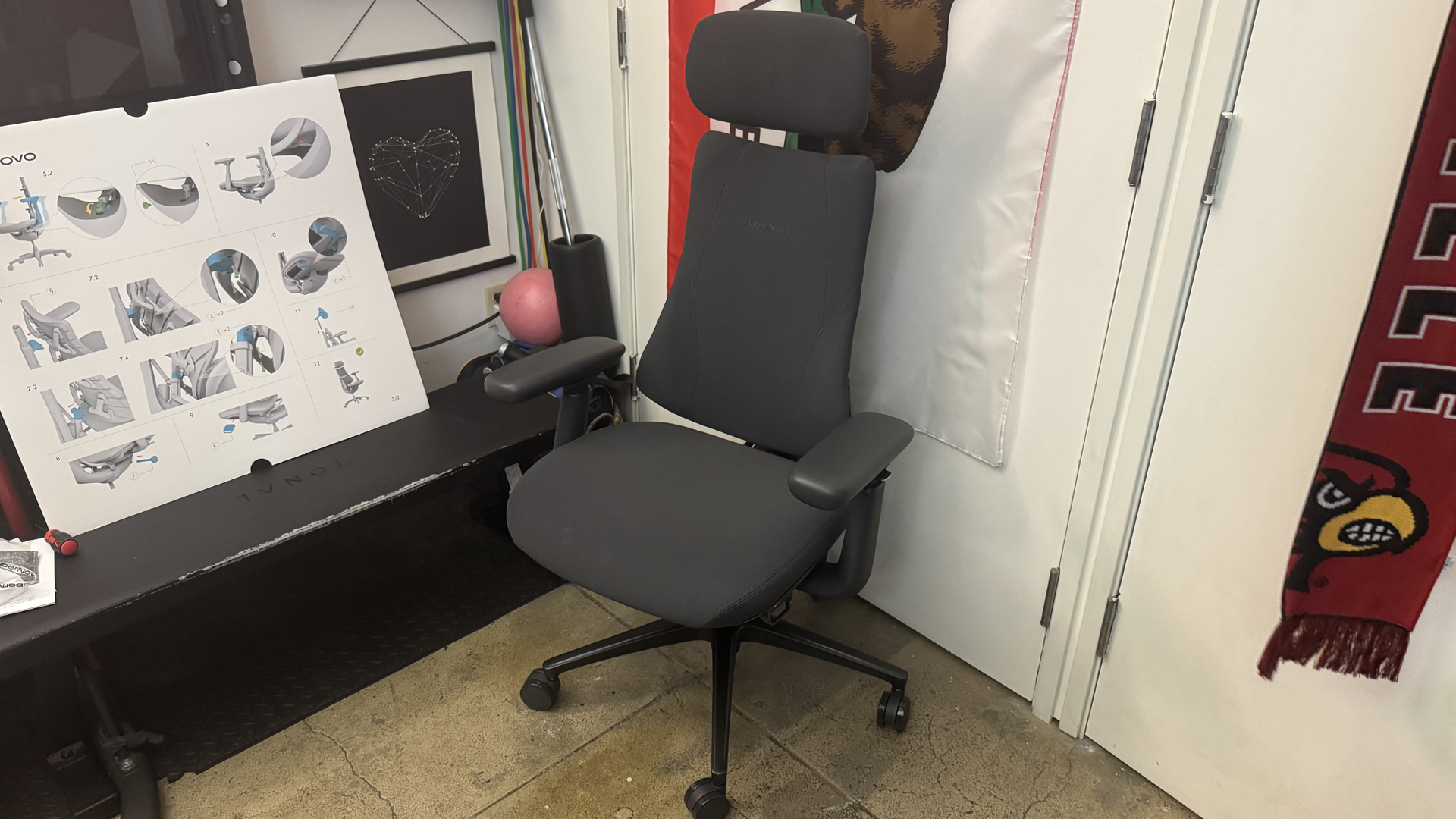
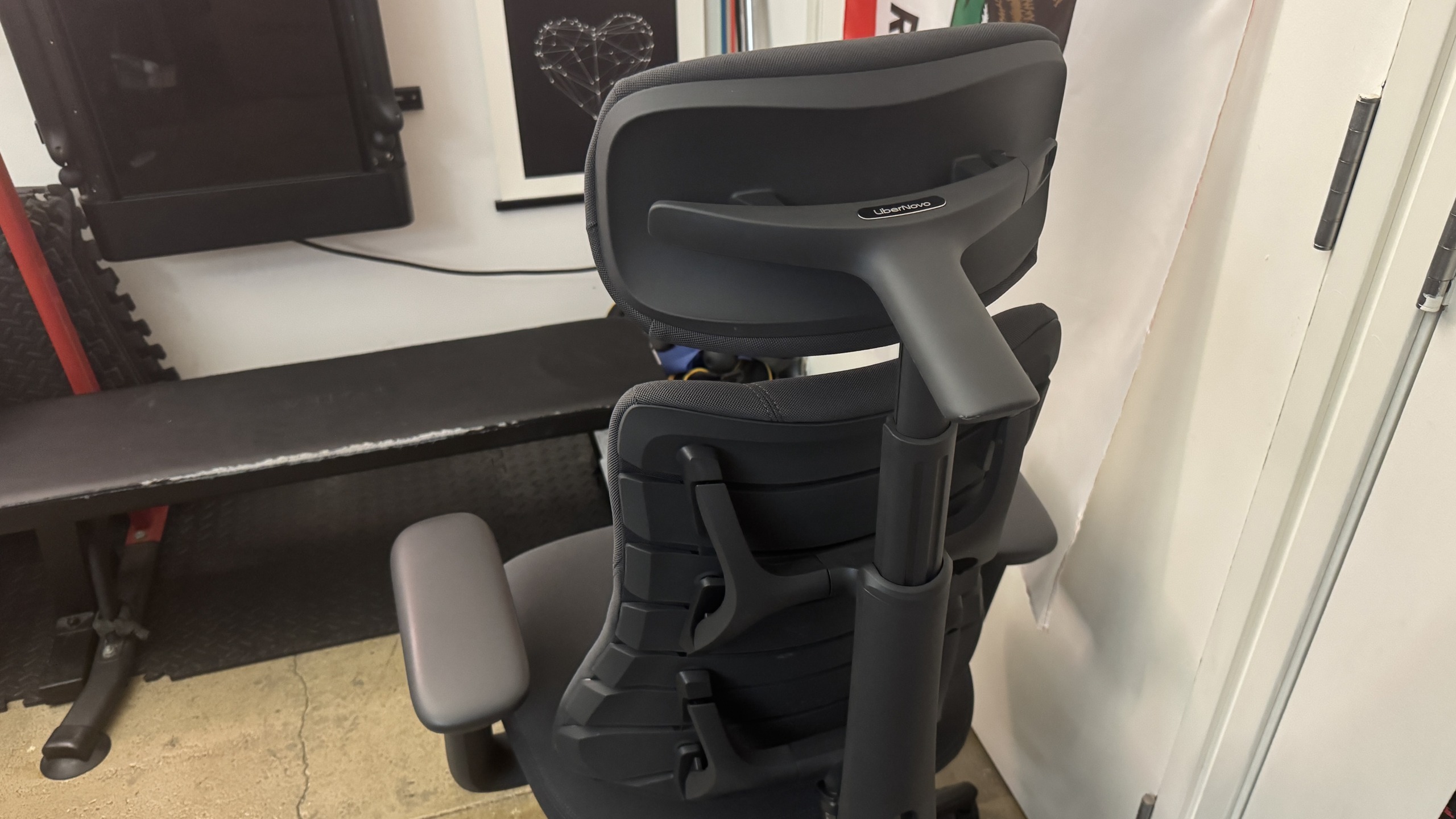
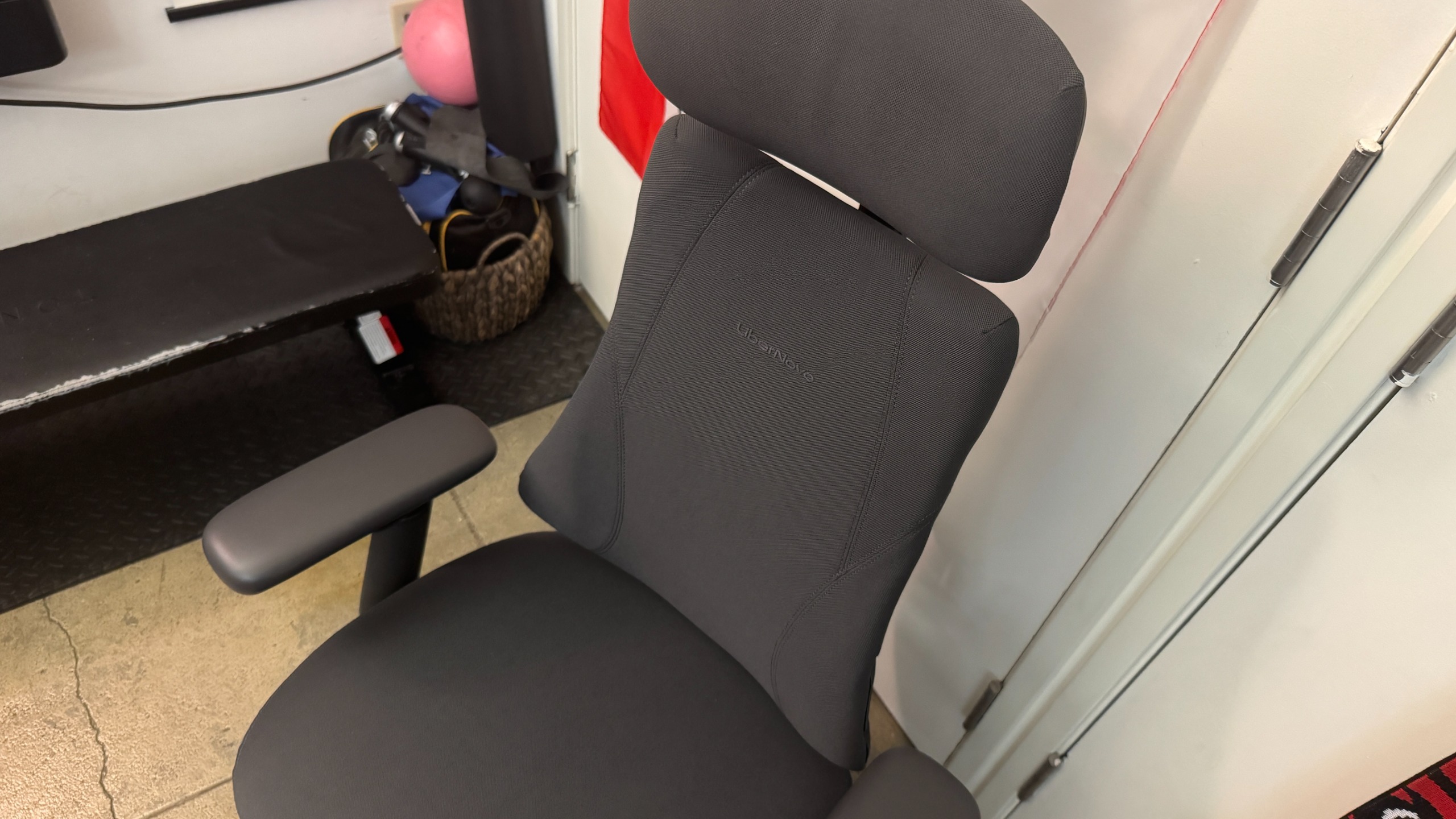
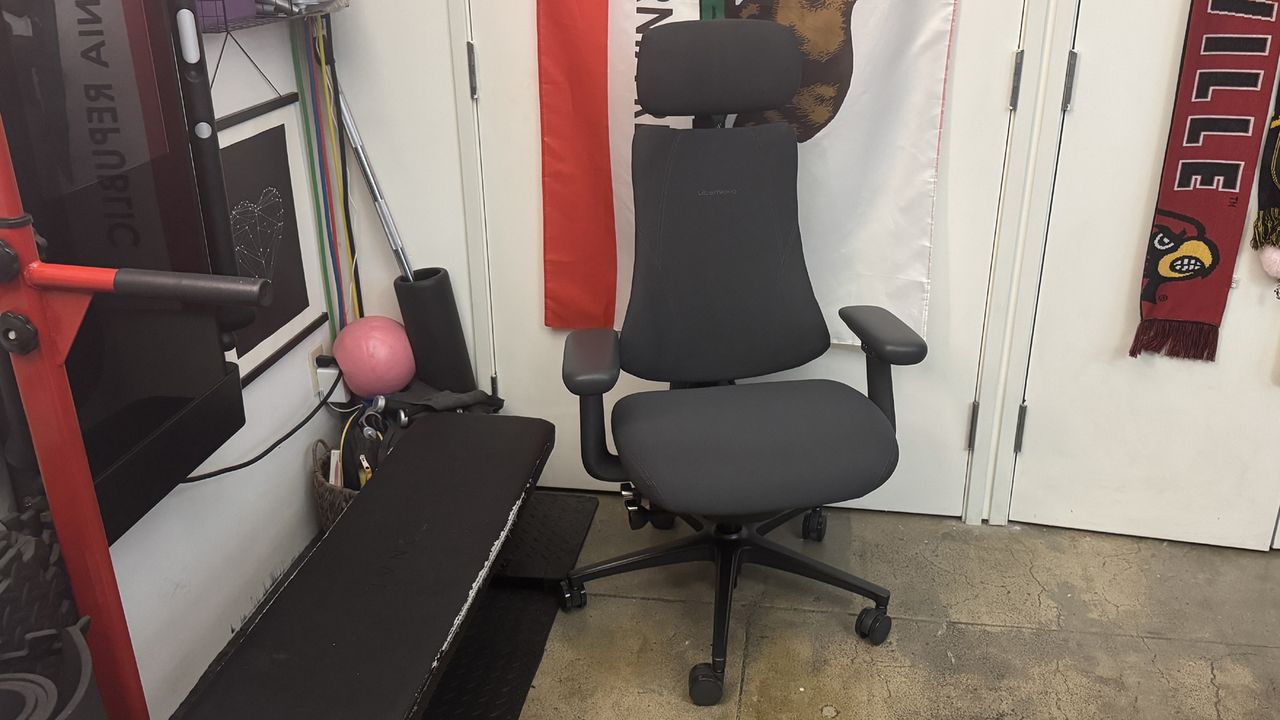
The Omni Pro looks very similar to the regular Libernovo Omni — it's a compact, lightweight office chair with an articulated backrest that's designed to move with your body as you move and shift your weight in the chair. It's a pretty compact chair, relatively speaking, but it does have a “spine” that holds the backrest together, as well as a headrest that can be moved forward/backward, and so it takes up more space (at least, behind you) than you initially expect.
(Image credit: Tom's Hardware)
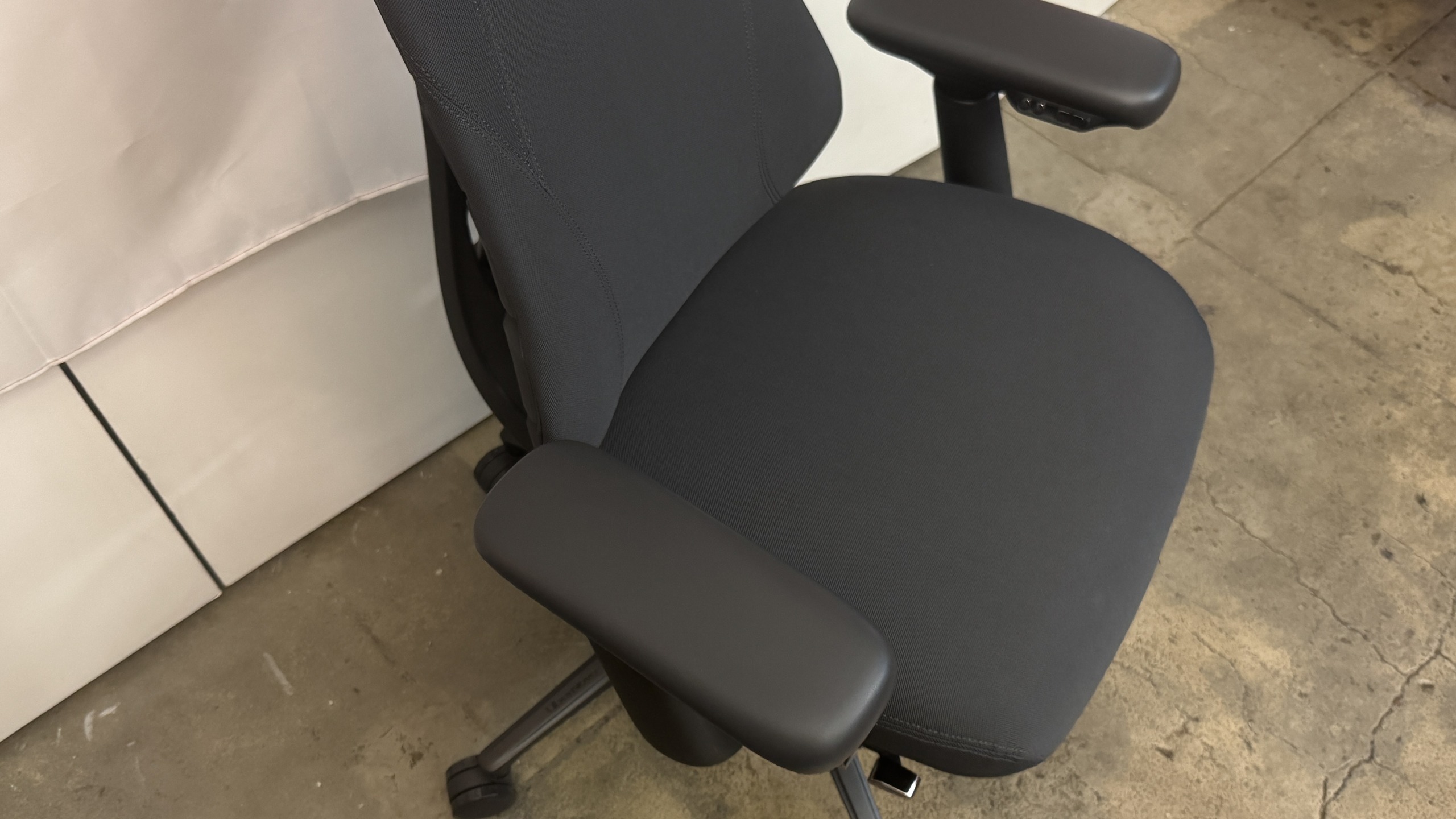
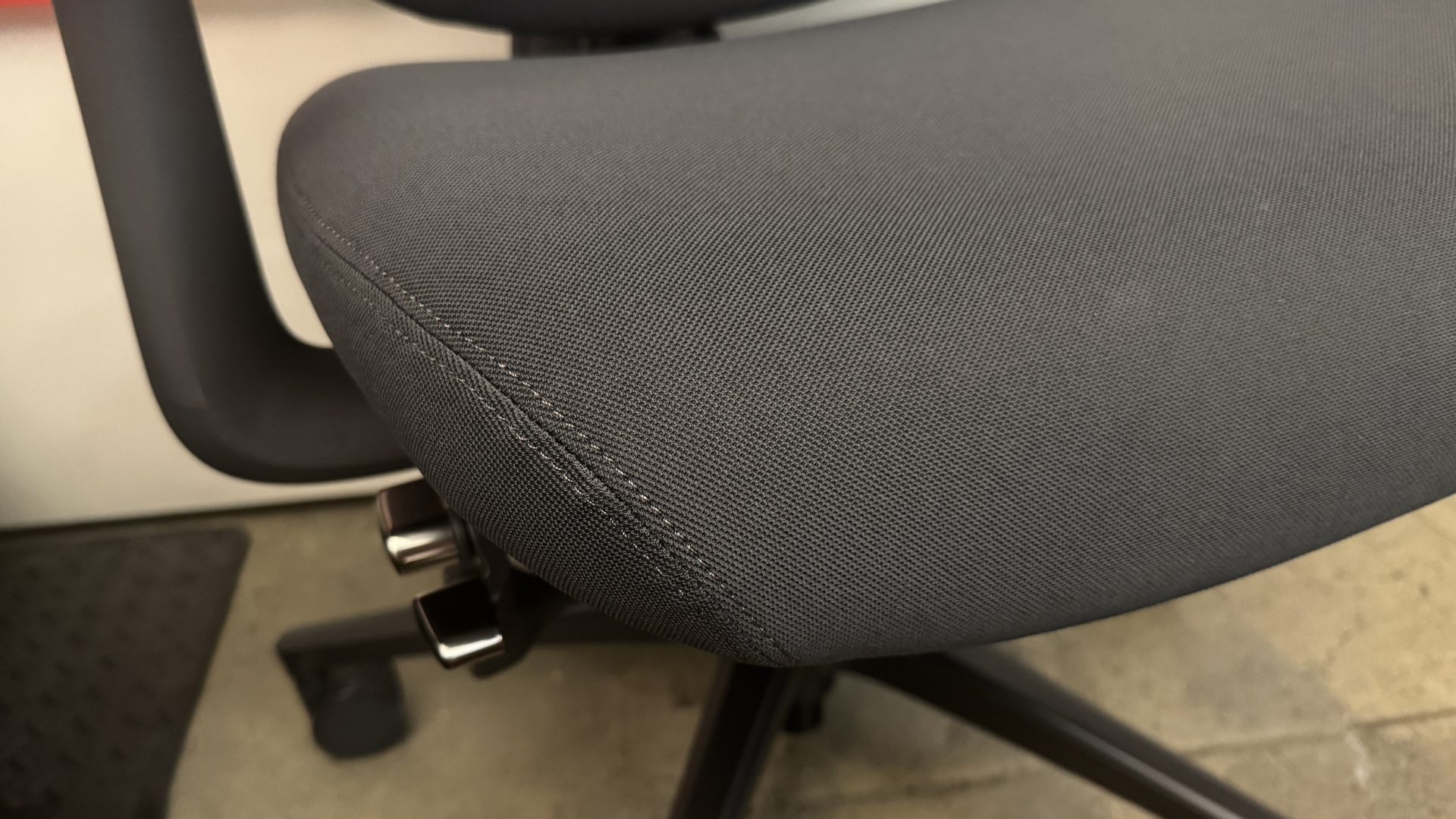
The Omni Pro comes in two colors, graphite (dark gray) and glacier (light gray, almost white). Our review unit came in graphite, with dark gray upholstery, a dark gray frame, a black wheelbase, and silver (plastic) accent buttons / knobs. The Omni Pro features new fabric upholstery — Gabriel Atlantic fabric, which is more durable and (I guess) breathable than that of the original Omni. The fabric does look and feel more durable and premium, but it's slightly more abrasive than the original fabric. It didn't cause me any real discomfort, but I also didn't sit on it for very long with bare skin.
Tom's HardwareTom's HardwareTom's Hardware
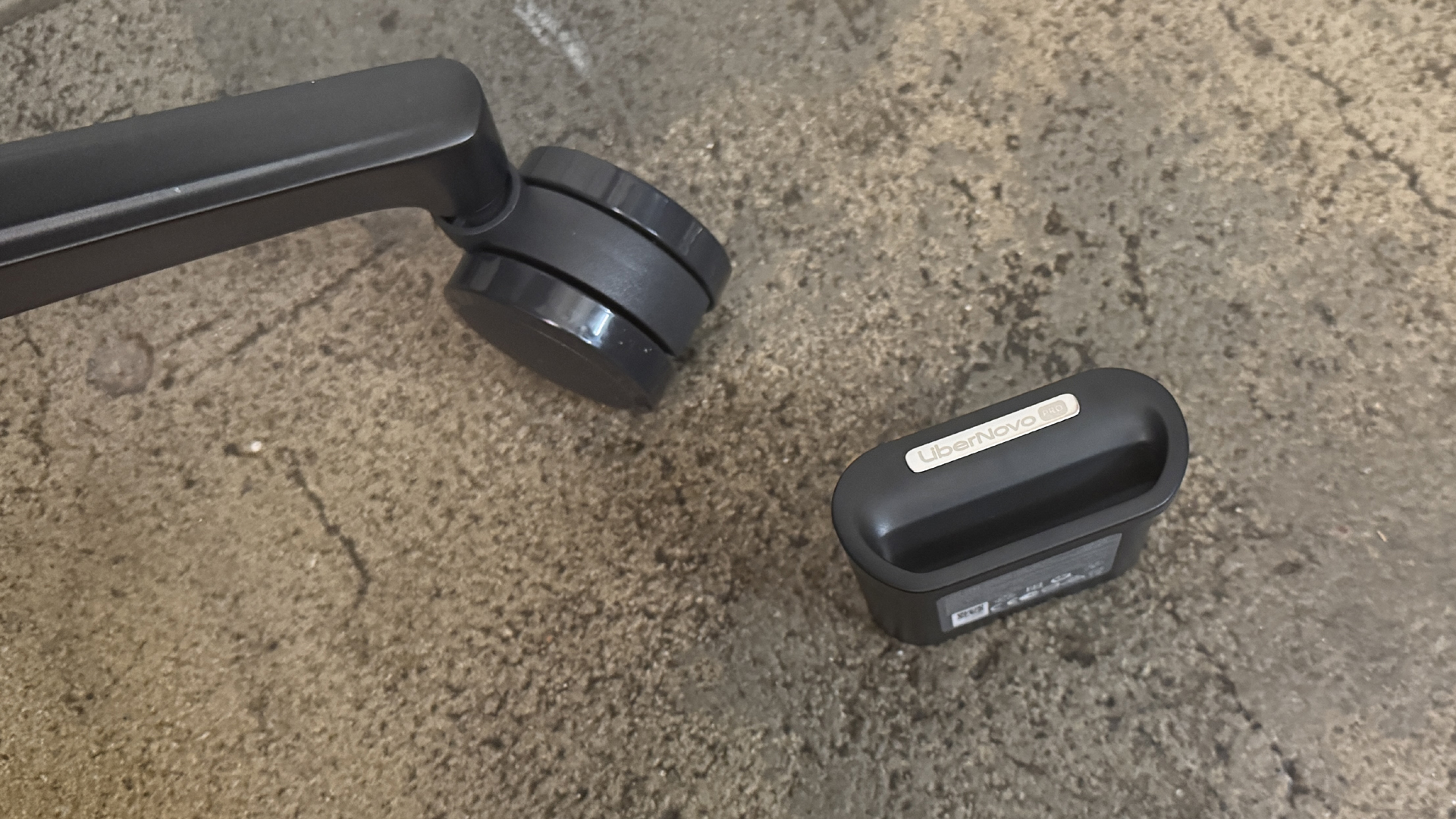
The upholstery and the wheelbase — which is made of hefty aluminum alloy — are the main noticeable design differences between the Omni Pro and the original Omni. The aluminum wheelbase does add some weight to the chair, bringing its total weight up to 55.8 pounds (25.31kg), which is heavier than the original Omni's weight of 48 pounds (21.77kg) — but still isn't particularly heavy for a chair, let alone a gaming chair.
The Omni Pro also has an extra button under its left armrest, to control the underseat ventilation fan (tapping the button toggles through the fan's settings — slow, fast, and off).
Specs
Upholstery
Gabriel Atlantic Fabric
Total Height (with base)
47.83 - 52.17 inches / 121.49 - 132.51 cm
Floor to Seat Height
19.09 - 23.43 inches / 48.49 - 59.51 cm
Armrest Adjustments
4D
Recline
105 - 160 degrees
Backrest Length
21.26 inches / 54 cm
Backrest Width (Shoulder Level)
13.5 inches / 34.29 cm
Seating Area Width (Point of Contact)
17.72 inches / 45 cm
Seating Area Width (total)
21.46 inches / 54.5 cm
Seating Area Depth
17.72 inches / 45 cm or 18.9 inches / 48 cm
Armrest Width
3.94 inches / 10 cm
Armrest Height
7 - 10.25 inches / 17.78 - 26.04 cm
Max Recommended Weight
300lbs / 136kg
Weight
55.8lbs / 25.31kg
Warranty
6 years (frame); 2 years (electronics)
MSRP / Price at Time of Review
$1,299 / $1,109
Release Date
June 2026
Comfort and Adjustments
The Libernovo Omni Pro is a surprisingly comfortable chair — just like the original Omni — thanks to its dynamic, ergonomic articulated backrest and various adjustments. It's more of an office chair than it is a gaming chair, but it does offer a full 160-degree recline — though it's an active recline, meaning you need to be sitting in the chair for it to happen (as opposed to many gaming chairs, which are similar to car seats).
Tom's HardwareTom's Hardware
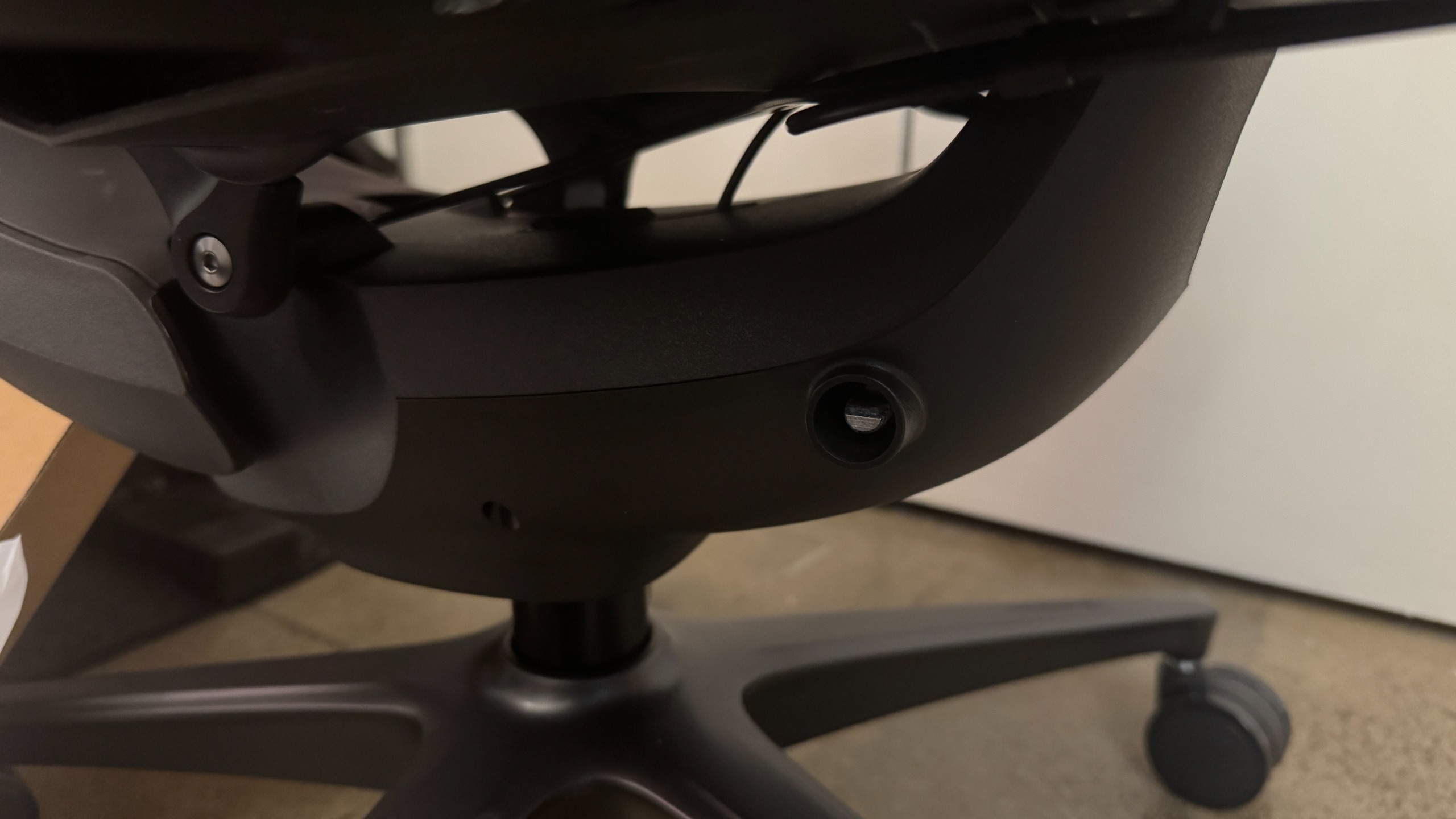
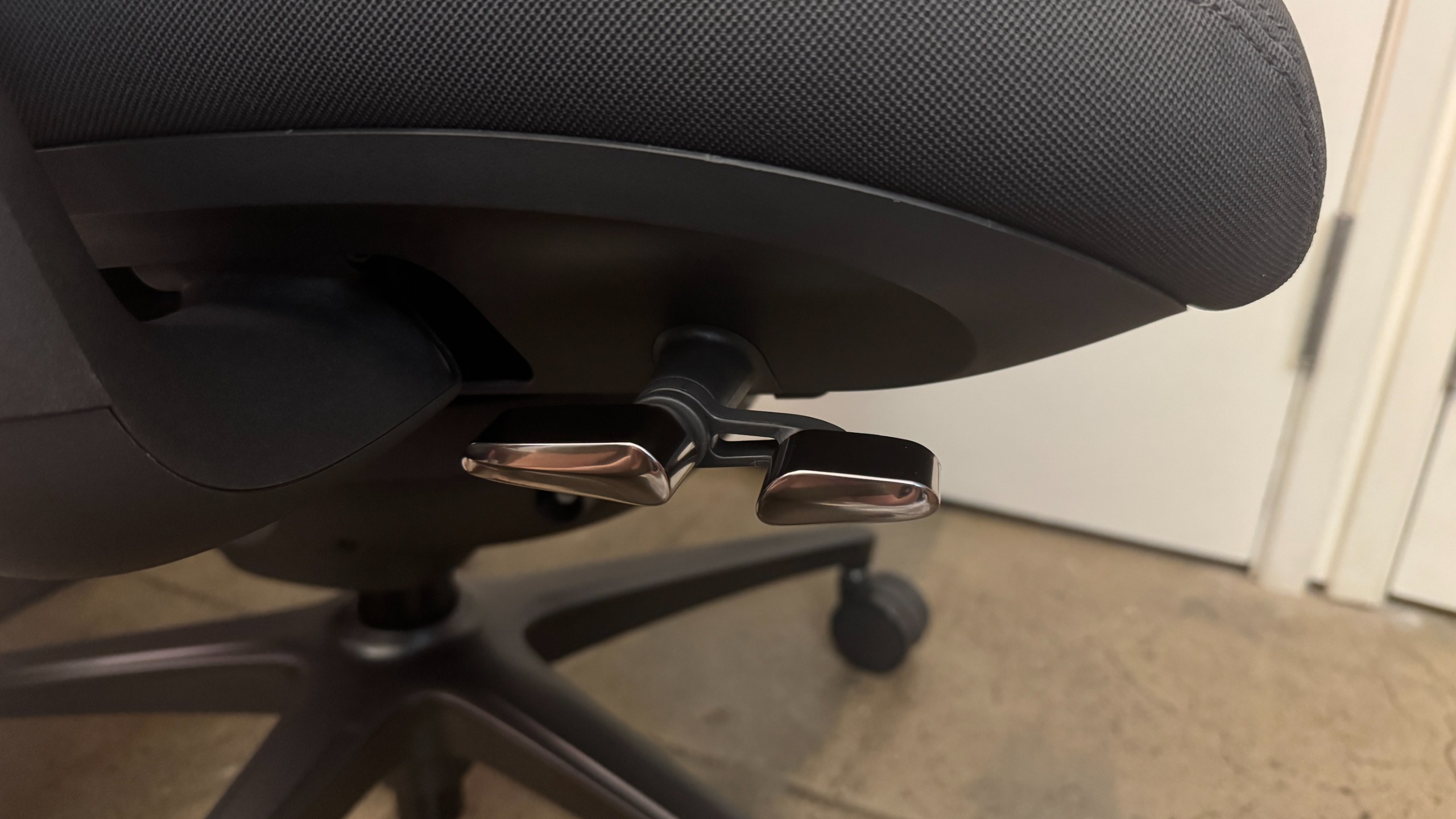
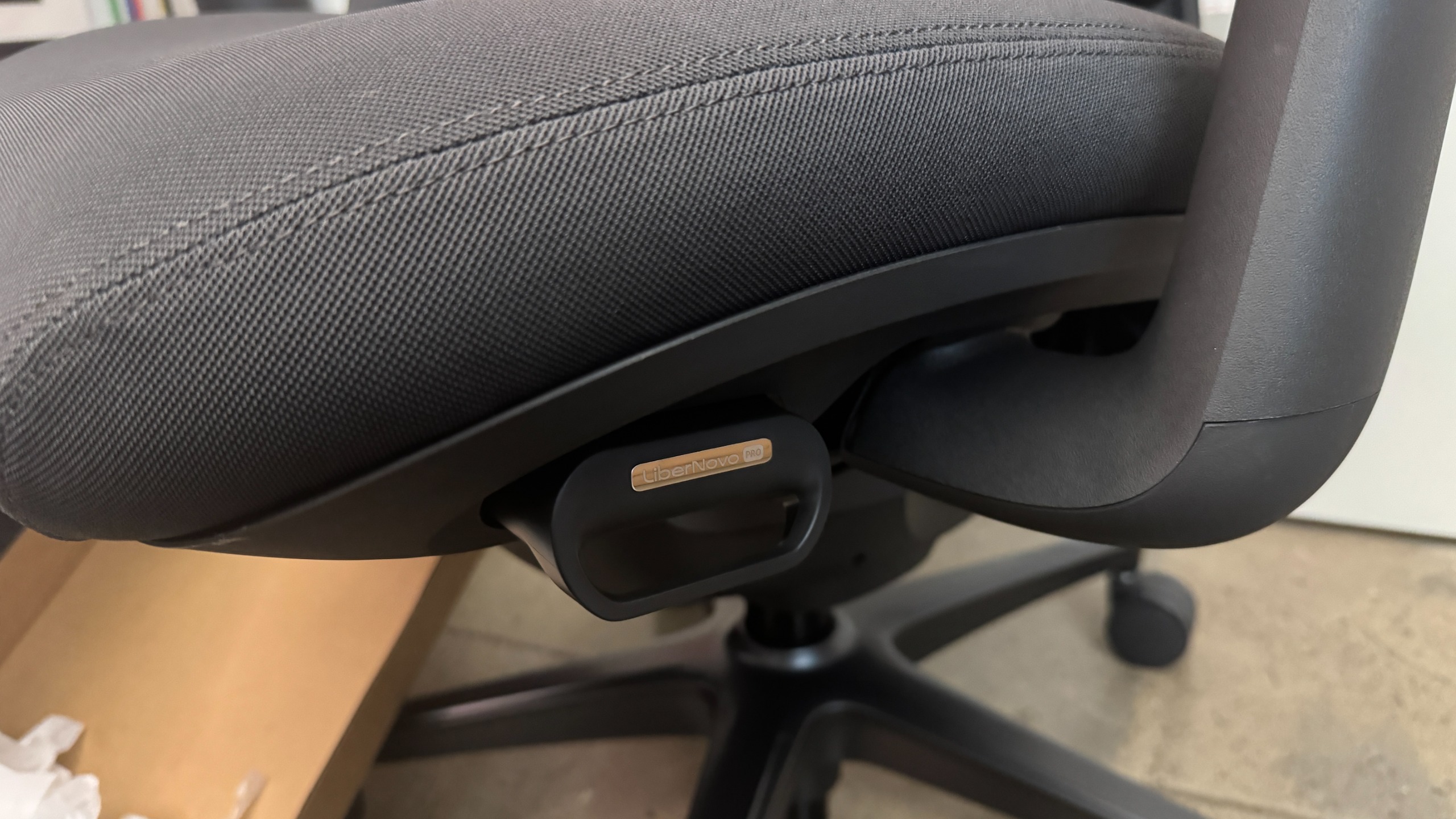
The Omni Pro's adjustment levers are mainly located under the seat on the right side. There's a dual lever / switch that controls chair height and recline position — pulling up on the front side of the lever lets you adjust height, while pulling up on the back side of the lever locks the maximum recline. While the original Omni had four recline positions, the Omni Pro has five — and believe it or not, this makes a big difference. Whatever fifth position they added is the position I wanted on the original Omni, I guess (the recline positions lock at 105, 115, 125, 135, and 160 degrees).
(Image credit: Tom's Hardware)
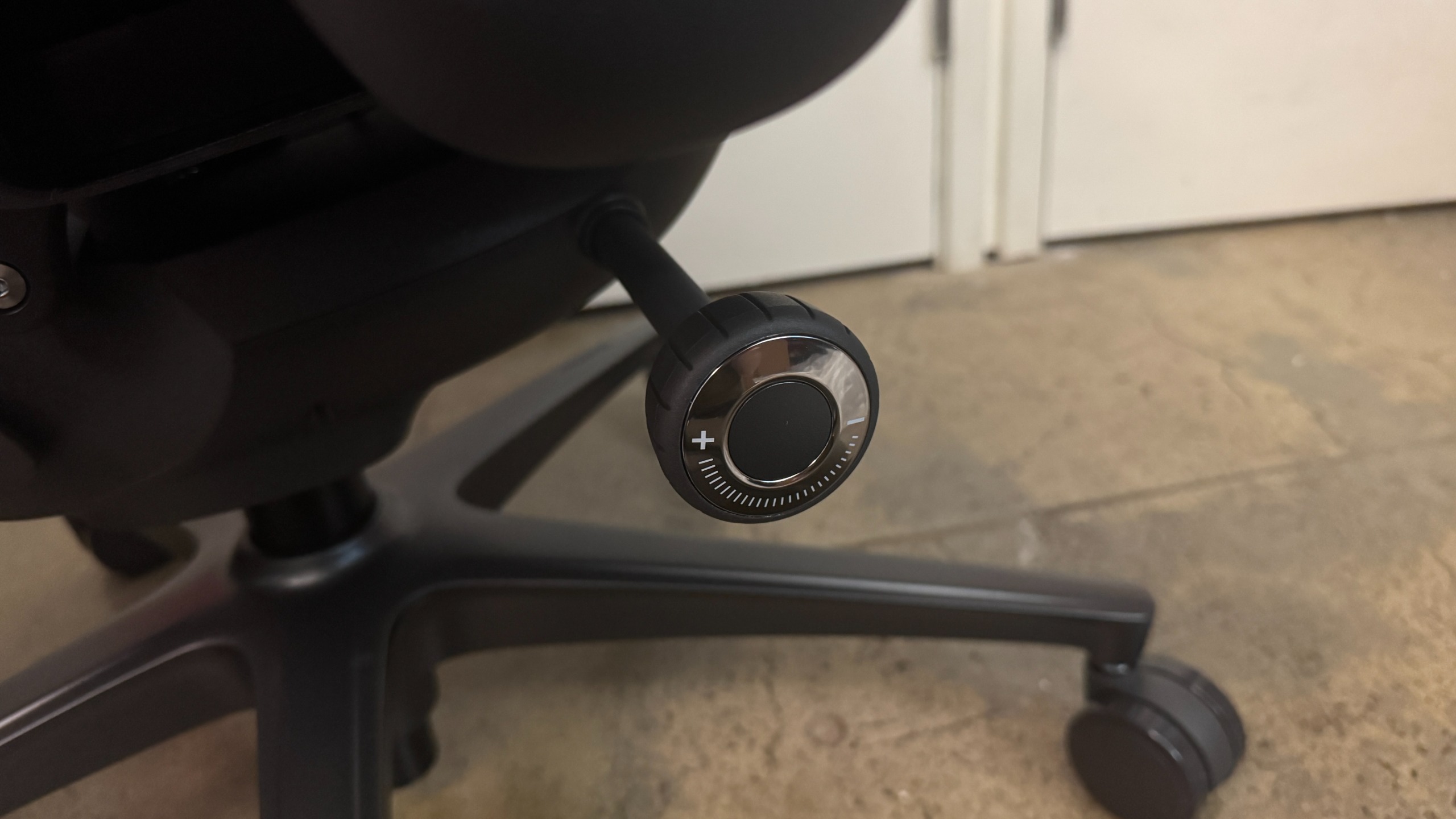
Under the dual lever / switch, there's a knob that controls tilt tension, which is how much tension you'll feel when you recline. Turning the knob clockwise increases tension and turning it counter-clockwise decreases it. There seems to be a pretty wide range of tilt for this chair, so you may need to turn it several times to get the tension to your liking.
(Image credit: Tom's Hardware)
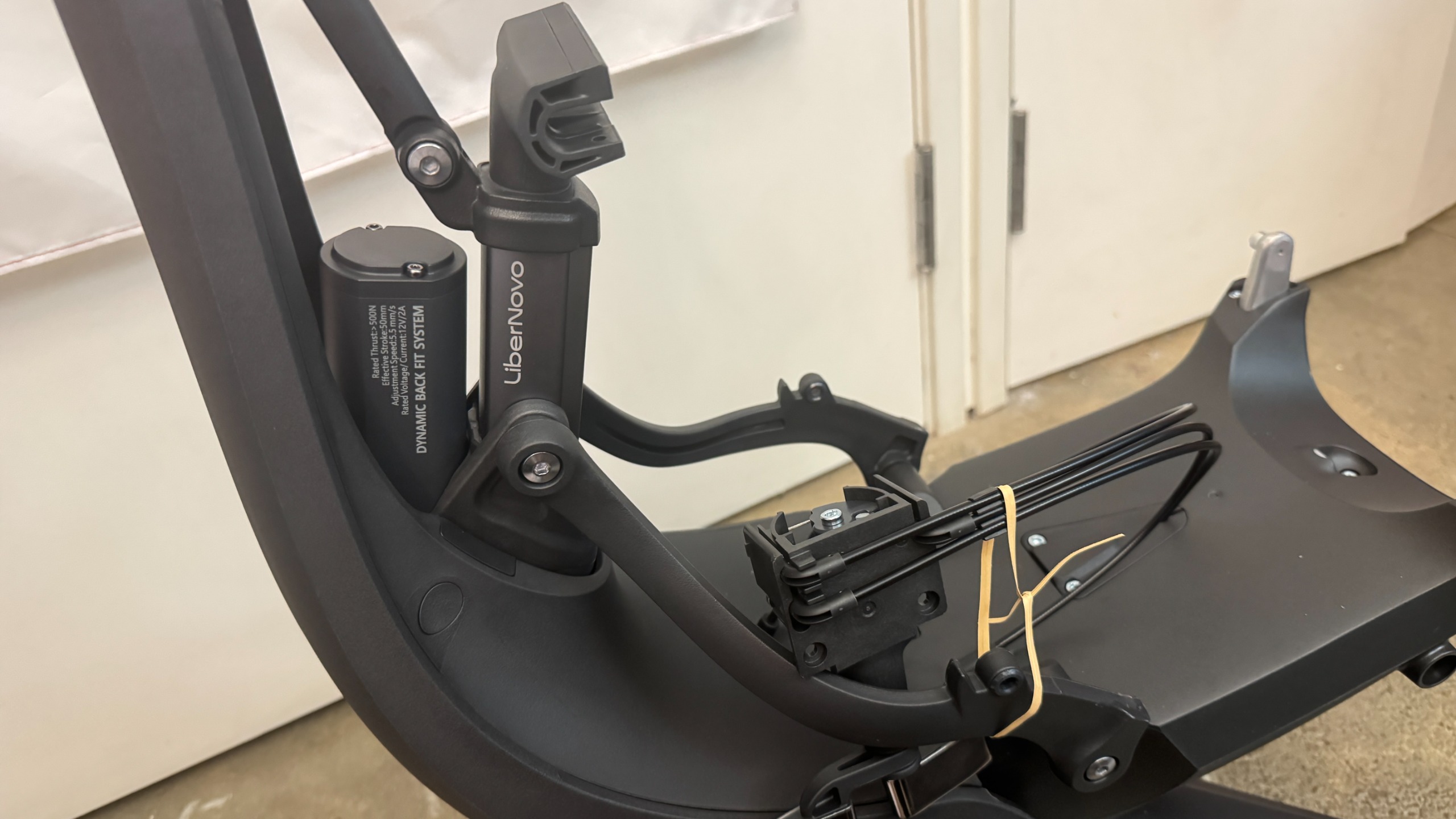
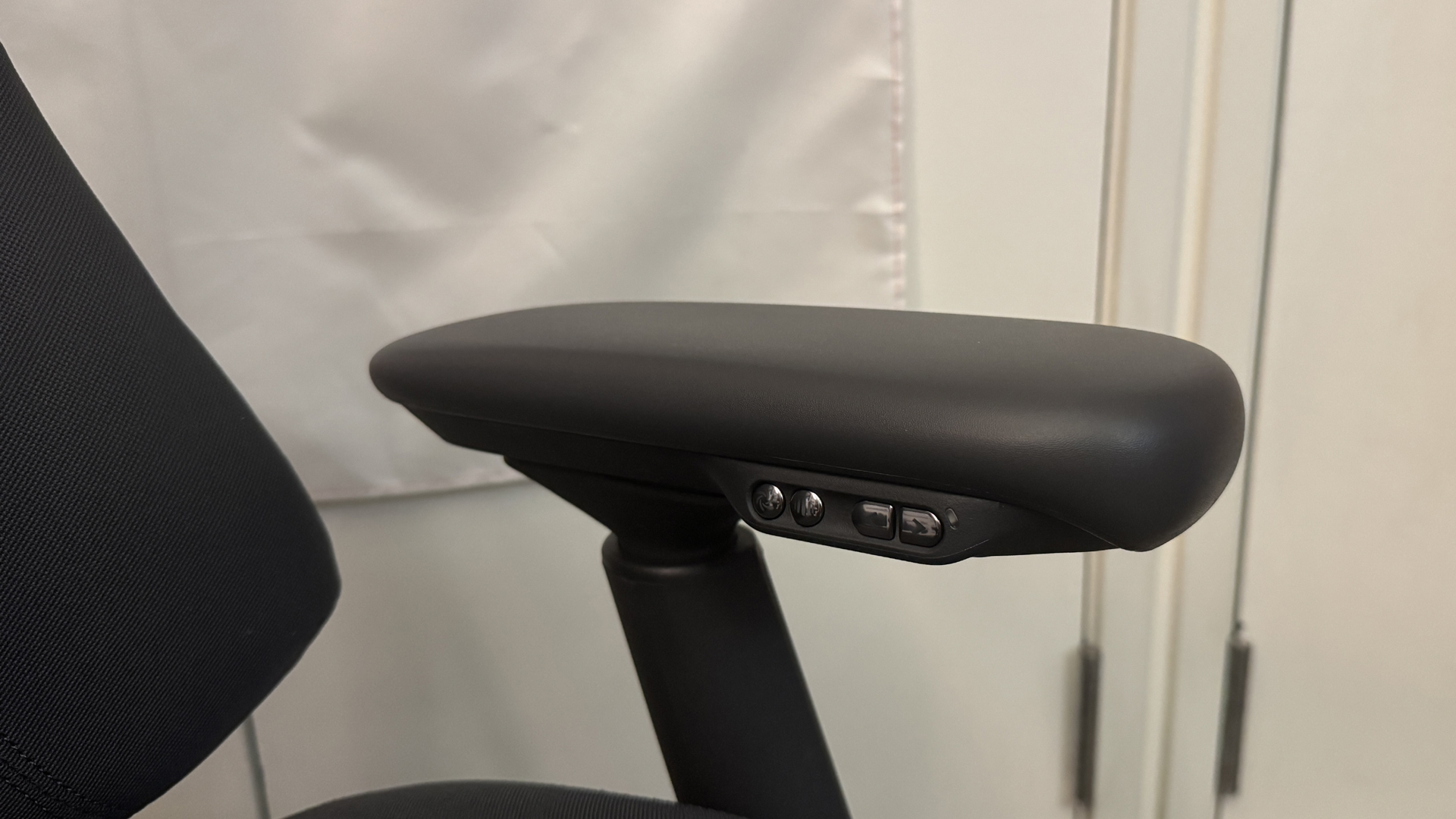
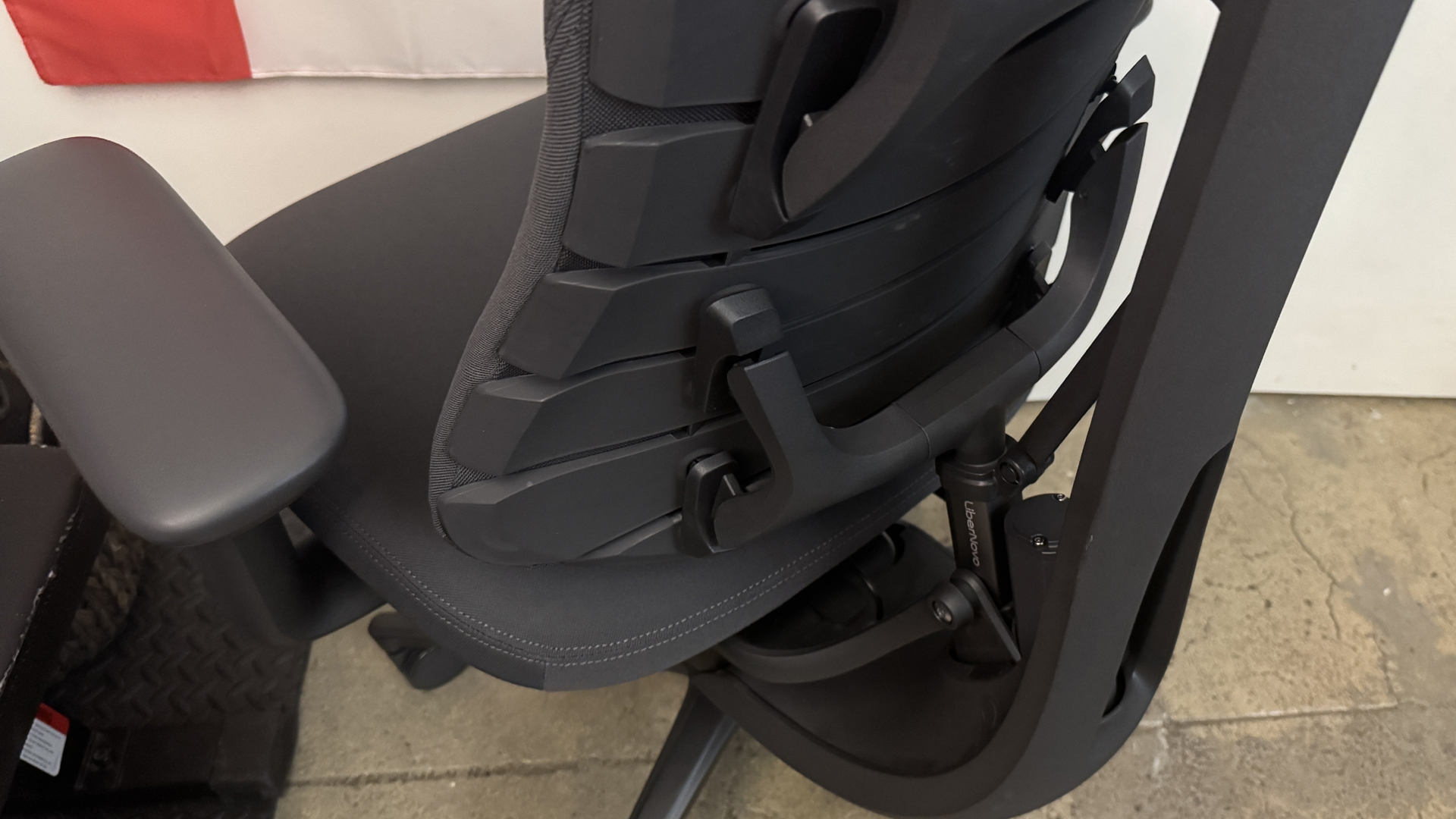
There's also dynamic, adjustable motorized lumbar support, which is controlled via the buttons on the inside of the left armrest. There are two arrow buttons for making the lumbar support firmer (forward) or... less firm (backward), and there's also a spinal massage button that triggers a five-minute spinal massage / stretch (using the chair's lumbar support) when pressed. While I like the Omni Pro's lumbar support, and found it very comfortable, it's worth noting that it's not vertically adjustable — so while it worked well for me, it may not work quite as well for someone with different body proportions.
(Image credit: Tom's Hardware)
Speaking of which, I'm about 5 feet 7 inches and 130 pounds, and the Omni Pro seemed perfect for me — not too big or heavy, and easy to adjust and move around in. The chair is rated for up to 300 pounds (136kg), and it seems sturdy enough — though I'm not sure how well the electronics will hold up if someone who weighs closer to that is using the spinal stretch feature regularly. My husband, who's 5 feet 11 inches and around 180 pounds definitely seemed a little too big for the chair (he has very long legs, though, and the chair's maximum depth of 18.9 inches (48cm) was still a little short for him).
In addition to the lumbar support, the Omni Pro has a ventilation fan under the seat. Unlike the other chairs we've seen with built-in fans, such as DXRacer's Martian Pro Red Triangle or Cougar's NxSys Aero Chair, this fan doesn't blow toward you to cool you off — instead, it removes hot air (I guess?) from around you by blowing away from you. I was skeptical, too, but it actually seems to work... pretty well. I guess there's a lot of heat trapped in the seat, because it instantly felt cooler even on the lower setting.
Tom's HardwareTom's Hardware
The fan runs on the same battery pack as the motorized lumbar support, and Libernovo says you'll get up to 9 hours of continuous fan usage on the higher setting, and up to 36 hours on the lower setting, and there's also a built-in sensor in the seat that automatically switches the fan off if you stand up (and switches it back on again when you sit back down). I could definitely hear the fan on both the high and low settings, but it faded pretty quickly to background noise on the lower setting. Also, the fan definitely seems to take up some space, because the seat on the Omni Pro is less padded than the seat on the Omni. I could feel the chair's frame through the seat, which wasn't a problem for me but may not be quite as comfortable for someone who's heavier.
(Image credit: Tom's Hardware)
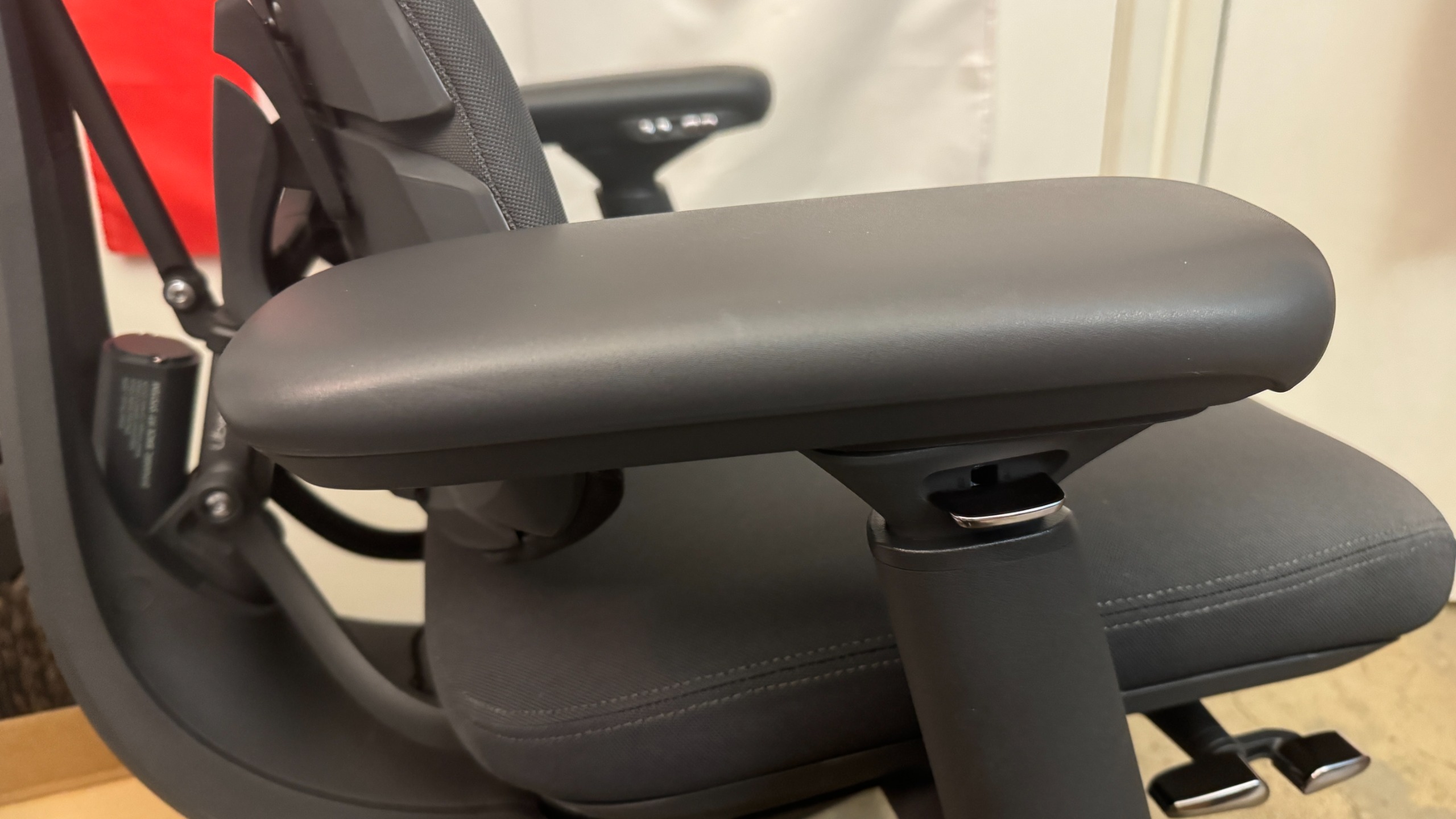
Like the original Omni, the Omni Pro has 4D armrests that adjust four directions: up/down, forward/back, left/right, and angle in/out. There's a lever under the outside of each armrest that you can press to adjust the armrests up/down. To adjust the armrests forward or backward, you just slide the tops (no button/lever necessary); same with adjusting the angle. Bringing the armrests closer to you involves pulling them inward, tilting them toward you. I don't love the way the armrests end up angled toward your body as a result of this, but I also don't ever find it necessary to adjust the width of my armrests so it wasn't an issue.
Tom's HardwareTom's Hardware
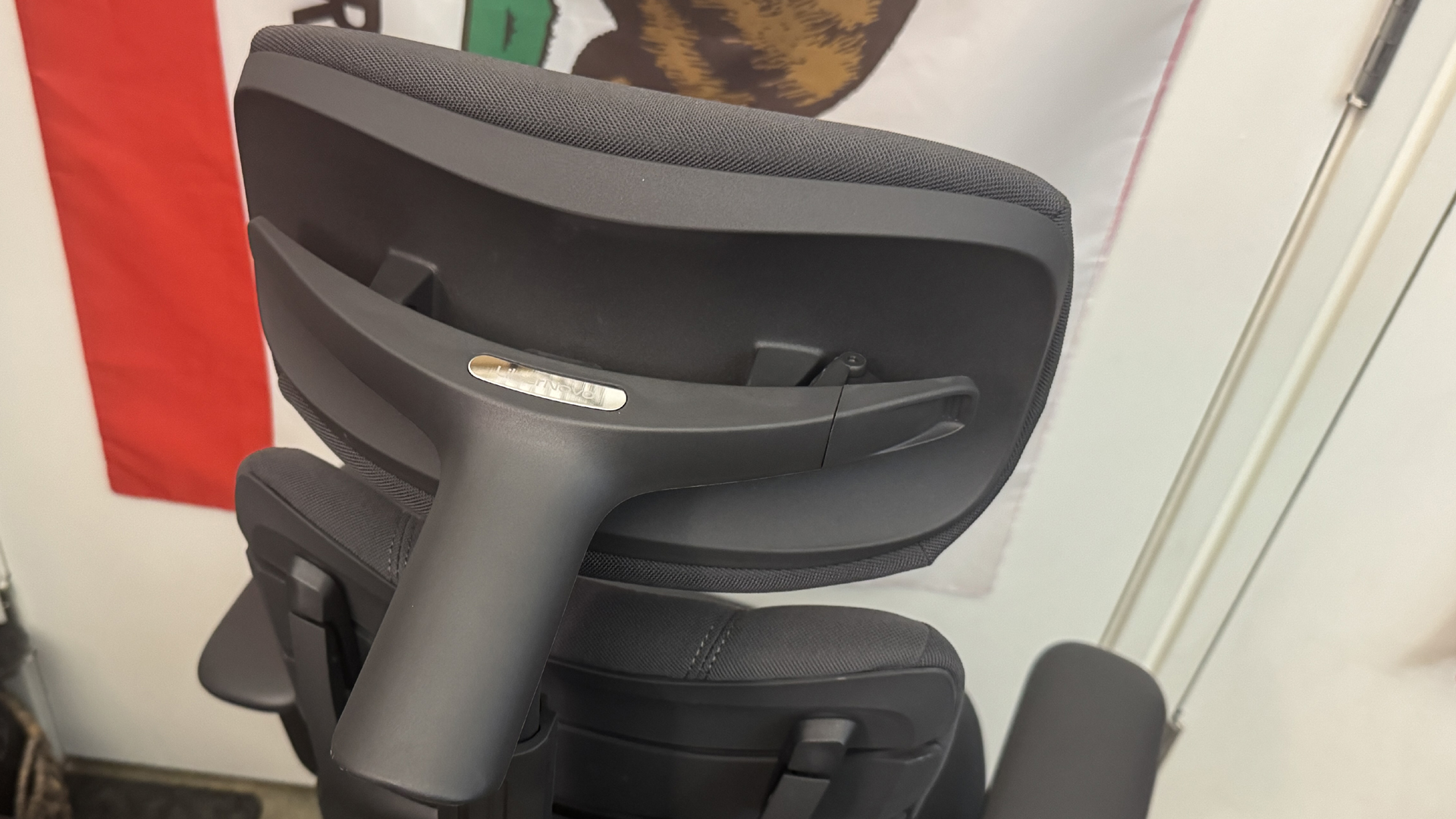
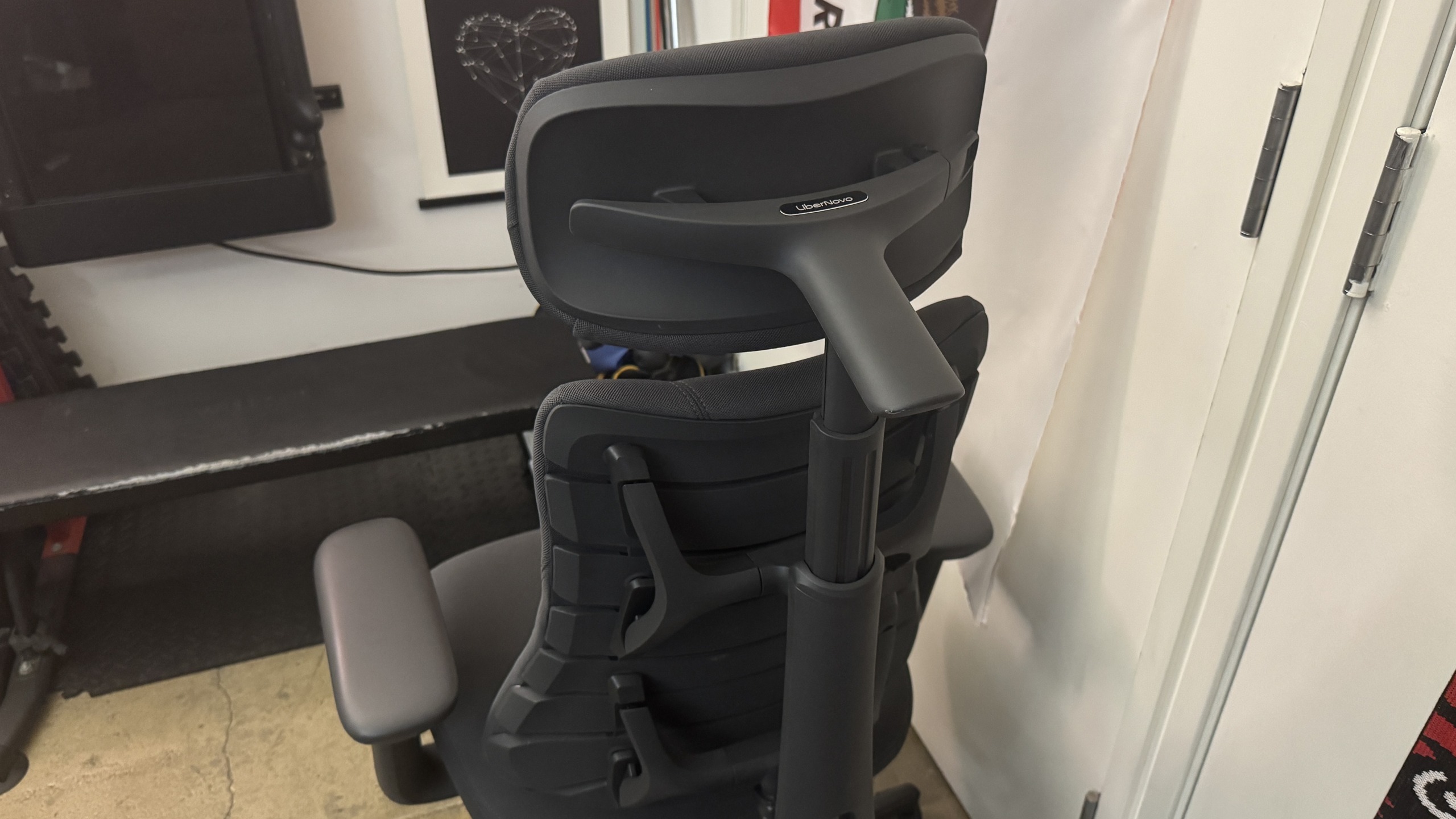
The Omni Pro also has an adjustable head/neck rest, which is curved to fit the curve of your neck/spine. The neck rest is height-adjustable and can be moved forward/back to suit your needs (or removed entirely).
Libernovo also sent us the corresponding StepSync Footrest, which is a dual height footrest with both a bottom shelf for resting your feet on when you're sitting upright and a padded upper shelf for when you want to recline. It's not a particularly high-tech footrest, but it's sturdy enough and it matches the chair, and it's a nice addition to the entire setup if you snag it in the bundle.
Bottom Line
Libernovo's Omni Pro managed to surprise me — I already liked the original Omni, and the Omni Pro's seemingly gimmicky seat ventilation fan worked better than I expected it to. The Omni Pro is a comfortable ergonomic chair that will fit pretty easily into most gaming setups (especially if you don't have the space for a giant racing-style behemoth), but the issue of longevity that we had with the original Omni carries over.
The Omni Pro has even more potentially breakable technology inside it, and the warranty on electronics is a mere two years — and remember, if the electronics in this chair stop working then you can no longer adjust the lumbar support. The chair itself has a six-year warranty (up from the original Omni's five years), which is on par with other gaming chair companies, but is still only half that of Herman Miller's 12-year warranty.
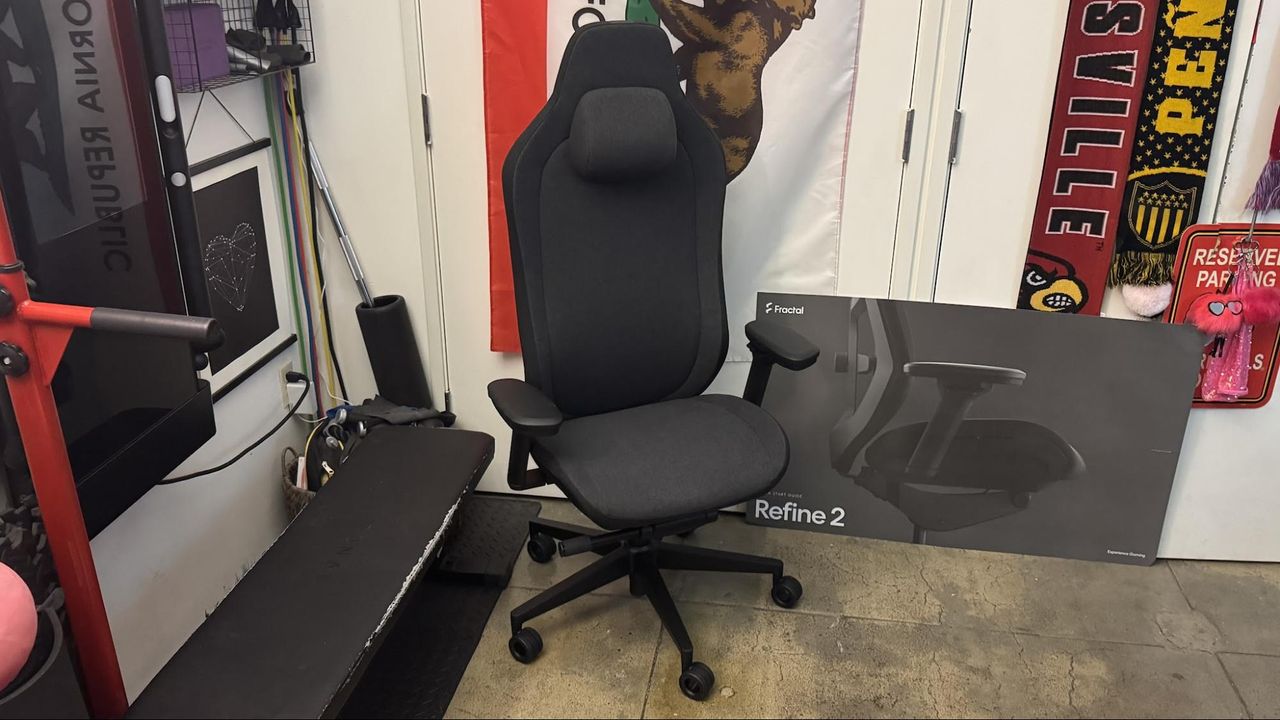
Fractal Design is determined to be on, under, and in front of your desk — the PC peripherals company best known for its designer PC cases has just released the Fractal Refine 2 — the second generation of its minimalist, "refined" take on the typical racing-inspired gaming chair.
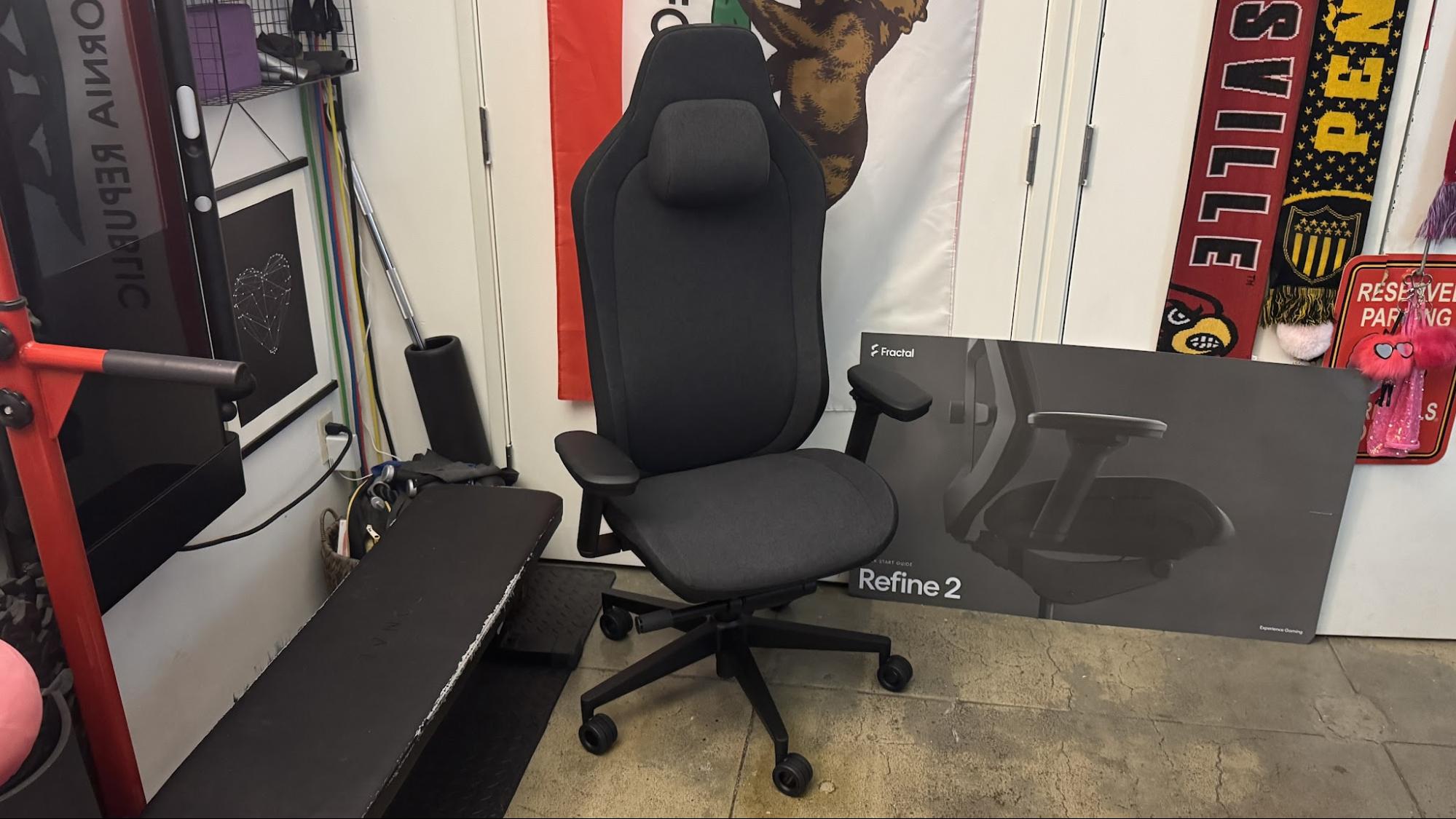
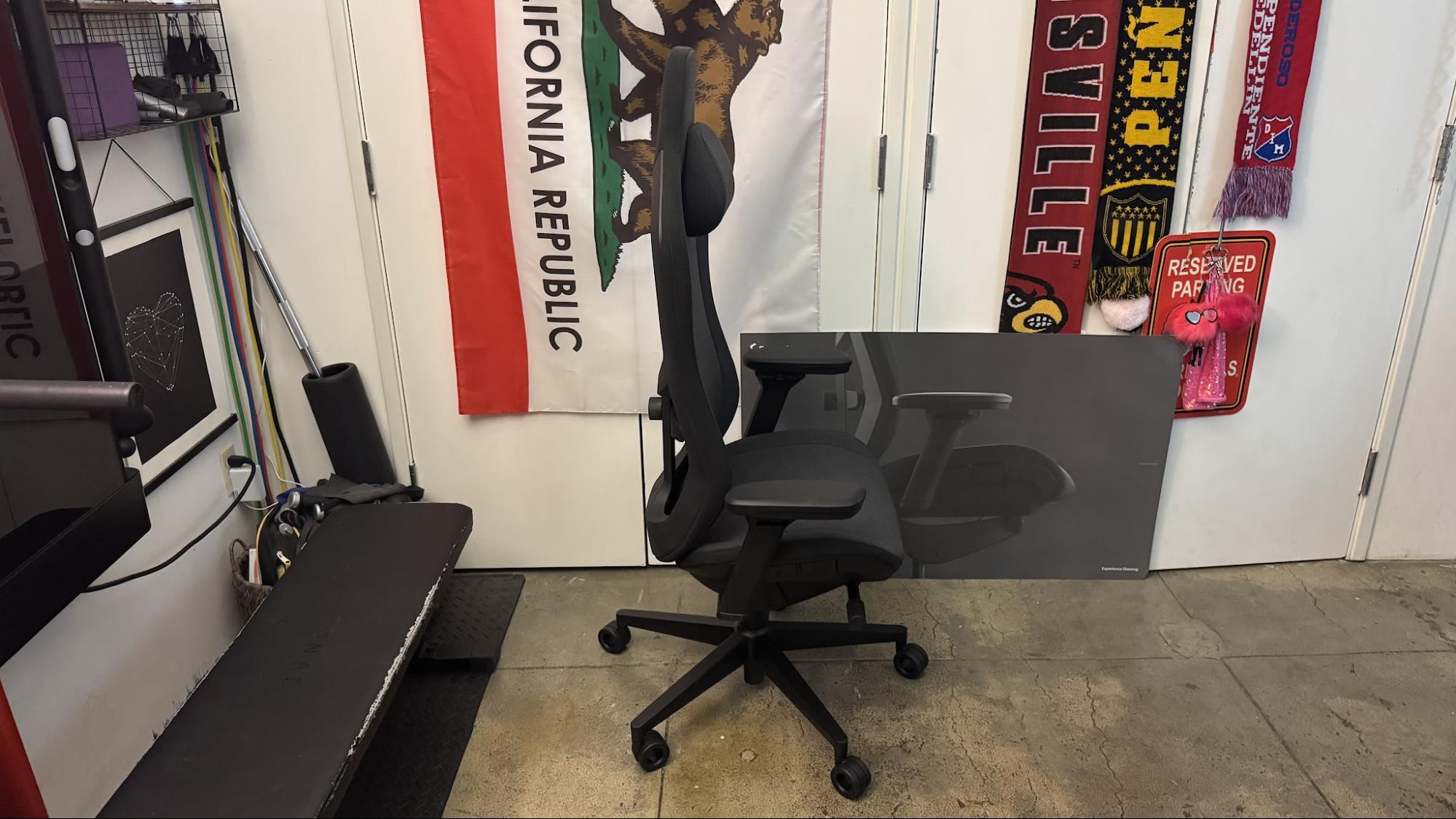
The Fractal Refine 2 is very similar to the original Fractal Refine, but it's been... refined... just a bit further. It still features a subdued but unmistakable "gaming chair" silhouette, as well as a fairly high level of adjustability and a large, hefty frame. Fractal has definitely made some changes — the 4D arm rests now lock in place, and the tilt limiter, which I found to be way too strong in the original, has been pulled back a little (but not quite enough). The price has also been adjusted — all variations retail for $640, which is on the higher side for a typical racing-style gaming chair. We did like the original Refine, but its scratchy mesh fabric kept it off our list of best gaming chairs — but this time we're taking a look at the fabric version.
Assembly
The Fractal Refine 2 comes in a heavy box that's so large you might think the chair is already assembled — but it isn't. It's well-packed: all the pieces are individually wrapped and/or boxed, and there's plenty of eco-friendly packing material keeping everything in its place.
The chair comes with all the tools you'll need to assemble it, though there's admittedly not too much assembly. It comes with an allen wrench and several screws — six longer screws for attaching the armrests, two shorter screws for attaching the backrest, and a handful of extra screws, just in case.
Tom's HardwareTom's Hardware
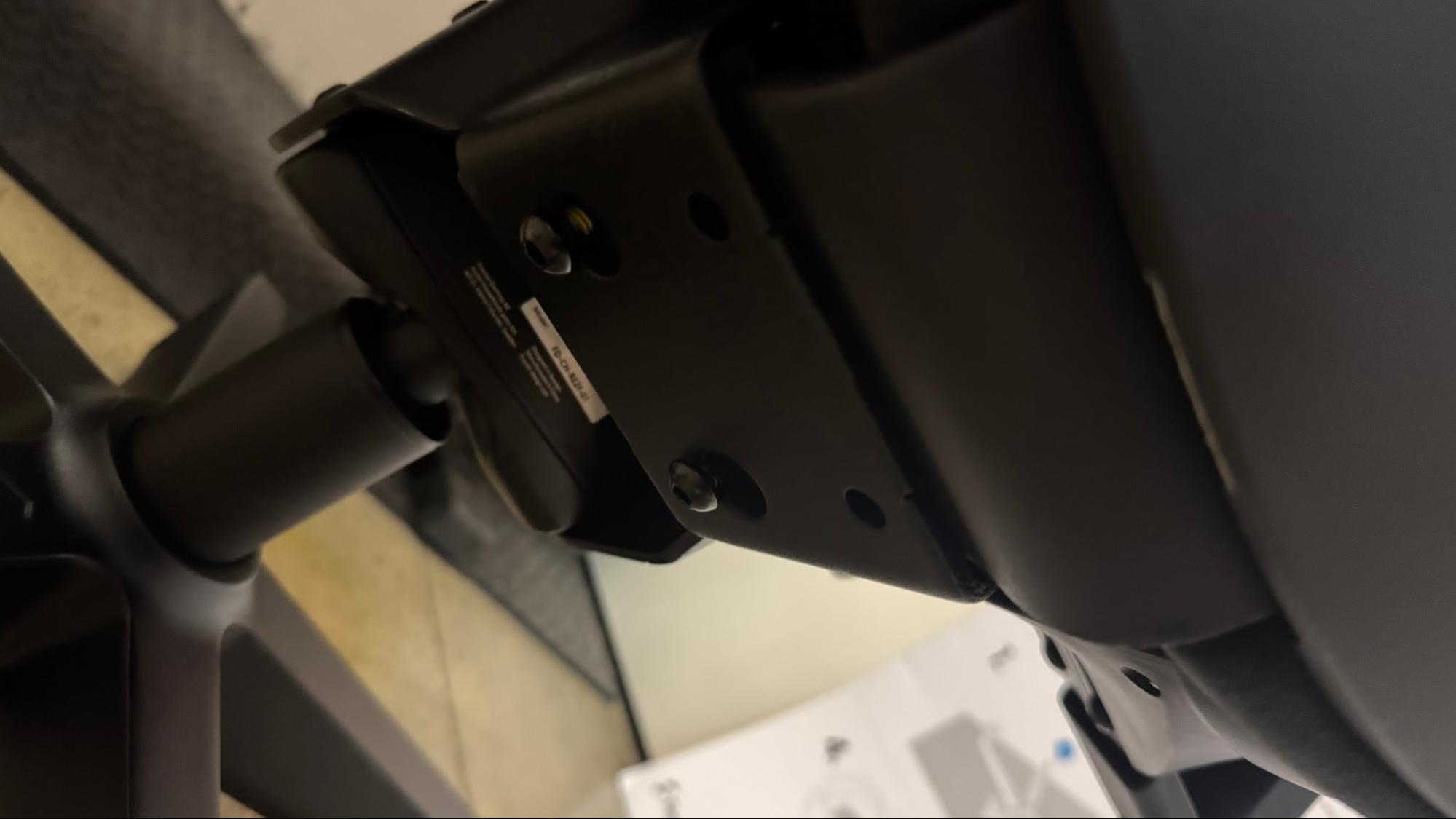
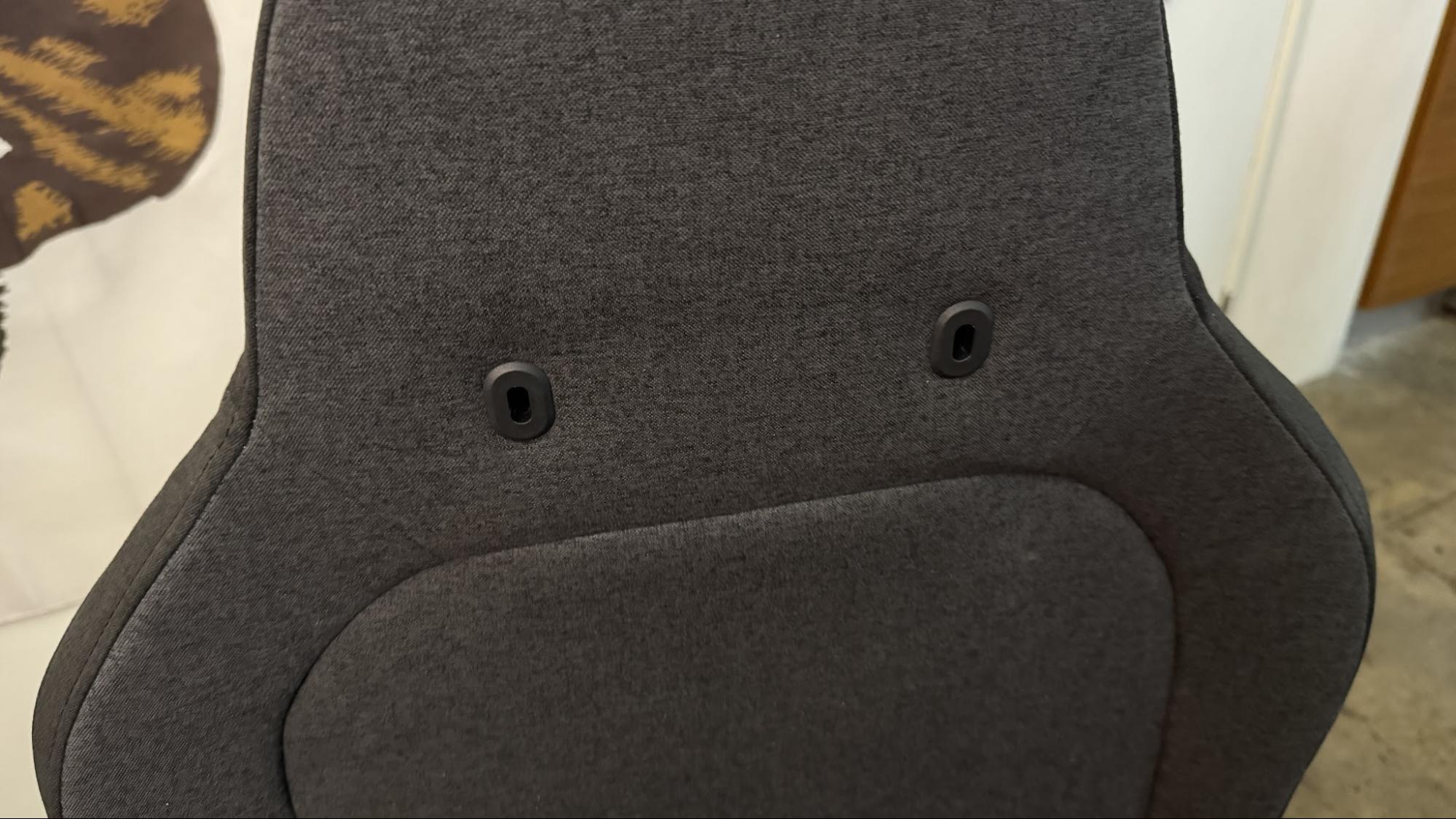
Assembly is pretty straightforward and is pretty easy to accomplish alone — unlike most of the traditional racing-style gaming chairs, the backrest of the Refine 2 is quite a bit lighter than the base, and is easy to put into place alone. It also has two pre-placed screws that slot into two holes and slide to "lock" in place, so you don't need to somehow hold the two pieces together and screw them into place simultaneously. (This might not sound that noteworthy, but trust me — many chairs are virtually impossible to put together without a partner because of this.)
I was able to assemble the Refine 2 by myself in about 15 minutes, and the most difficult part was unpacking everything (because the box really is huge). The Refine 2 comes with a large illustrated instruction panel, as well as an information booklet with more detailed instructions.
Specs
Upholstery
fabric / mesh / hybrid
Total Height (with base)
53.7 - 58.5" / 1365 - 1485mm
Floor to Seat Height
19.3 - 24" / 490 - 610mm
Armrest Adjustments
4D (height, width, depth, angle)
Recline
125 - 130 degrees under load
Backrest Length
34.45" / 875mm
Backrest Width (Shoulder Level)
18.75" / 476.25mm
Seating Area Width (Point of Contact)
16.5" / 419.1mm
Seating Area Width (total)
20.5" / 520.7mm
Seating Area Depth
16.7 - 19.69" / 425 - 500mm
Armrest Width
16.9 - 22" / 430 - 560mm
Armrest Height
5.5 - 9.8" / 140 - 250mm
Max Recommended Weight
300lbs / 135kg
Weight
~80lbs / 36kg
Warranty
3 years (upholstery); 5 years (all other parts)
MSRP / Price at Time of Review
$639.99
Release Date
Sept. 2, 2026
Design
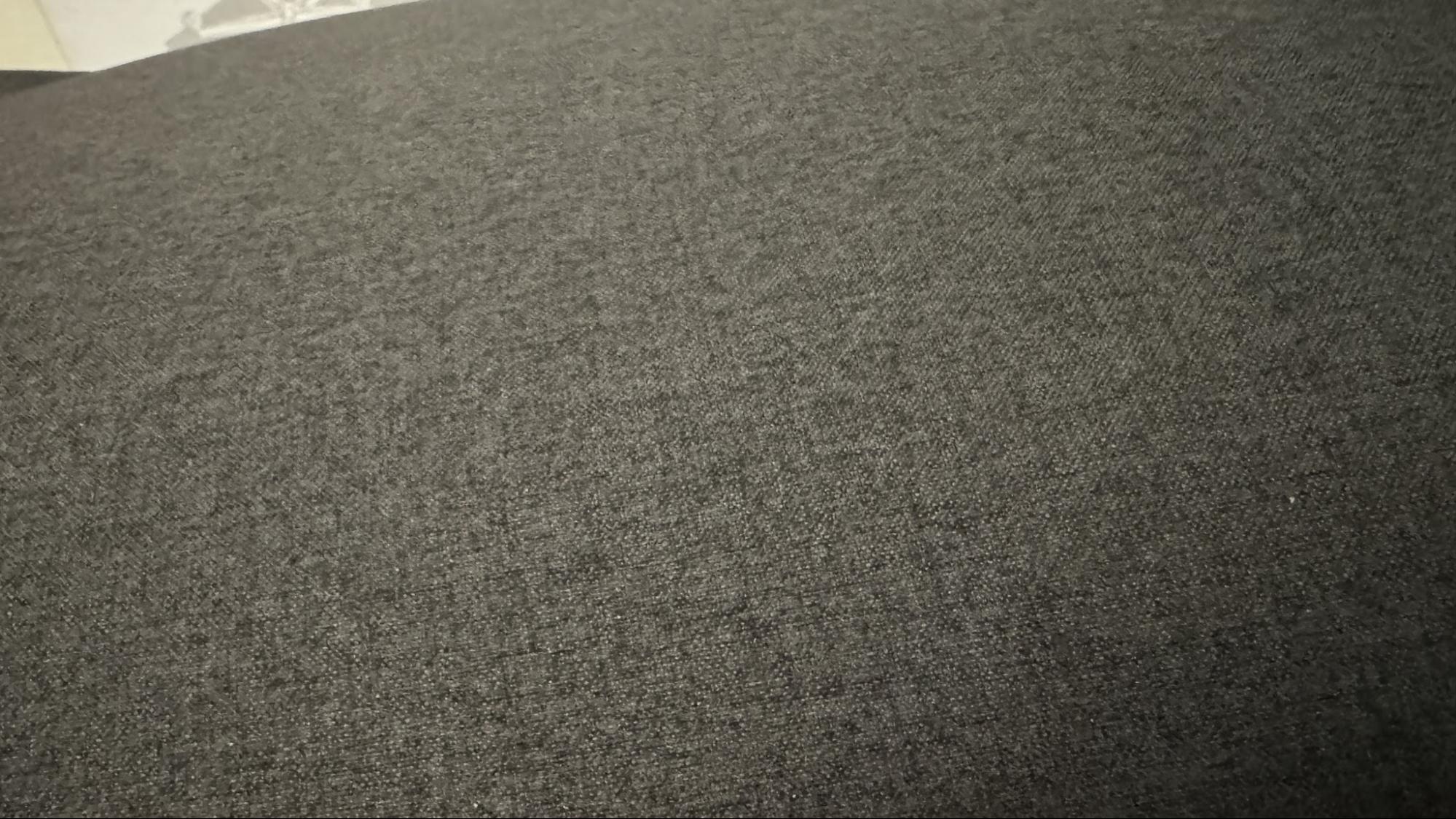
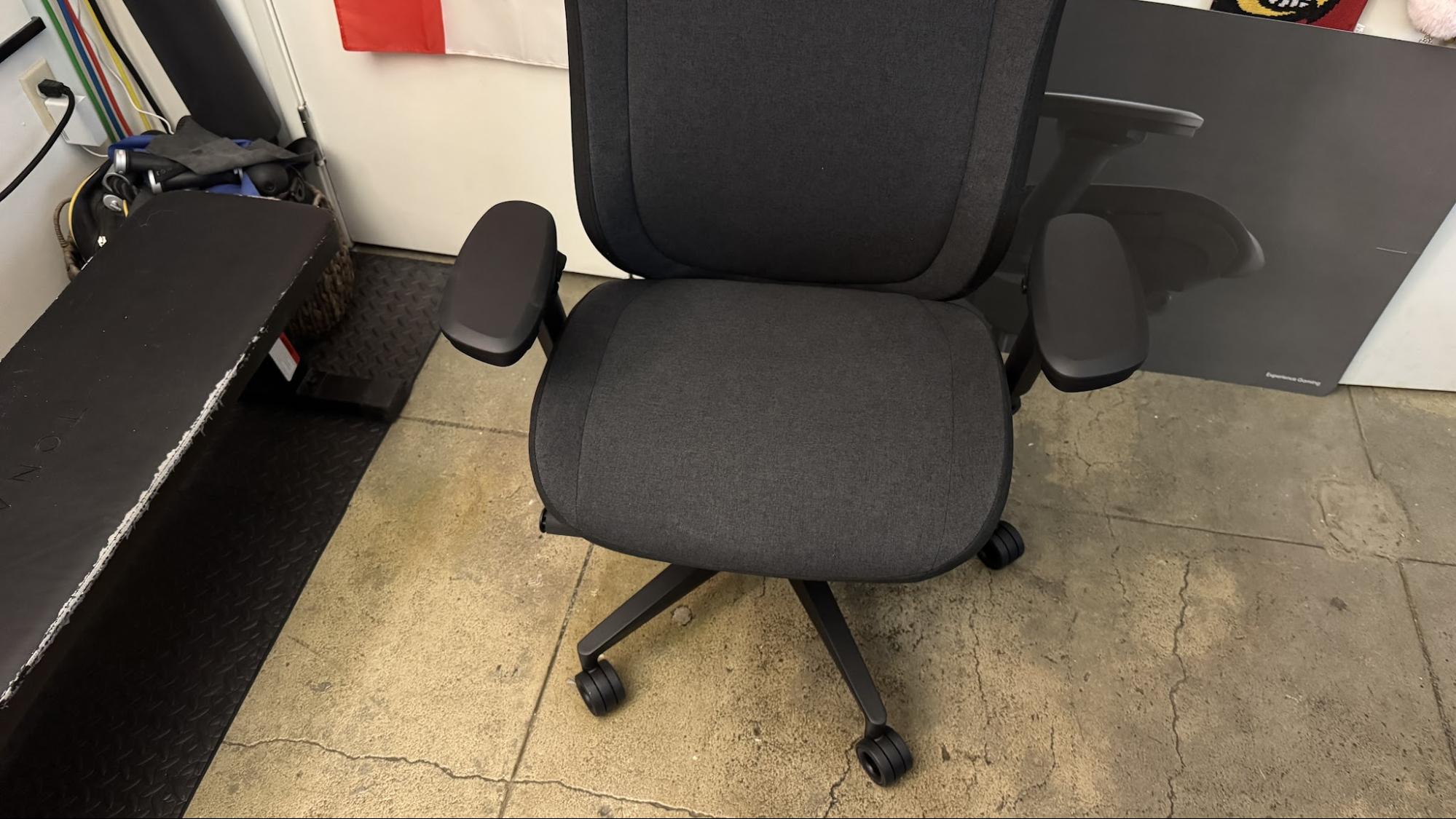
The Refine 2 comes in three upholstery options — fabric, mesh, and hybrid (fabric seat, mesh back) — and two colorways — light and dark. Our review unit came in the dark colorway, a dark slate heathered gray with a black frame, with full fabric upholstery. The fabric feels like soft brushed cotton and is much more comfortable than both the mesh and the fabric of the mesh version of the original Fractal Refine that we reviewed two years ago.
Tom's HardwareTom's Hardware
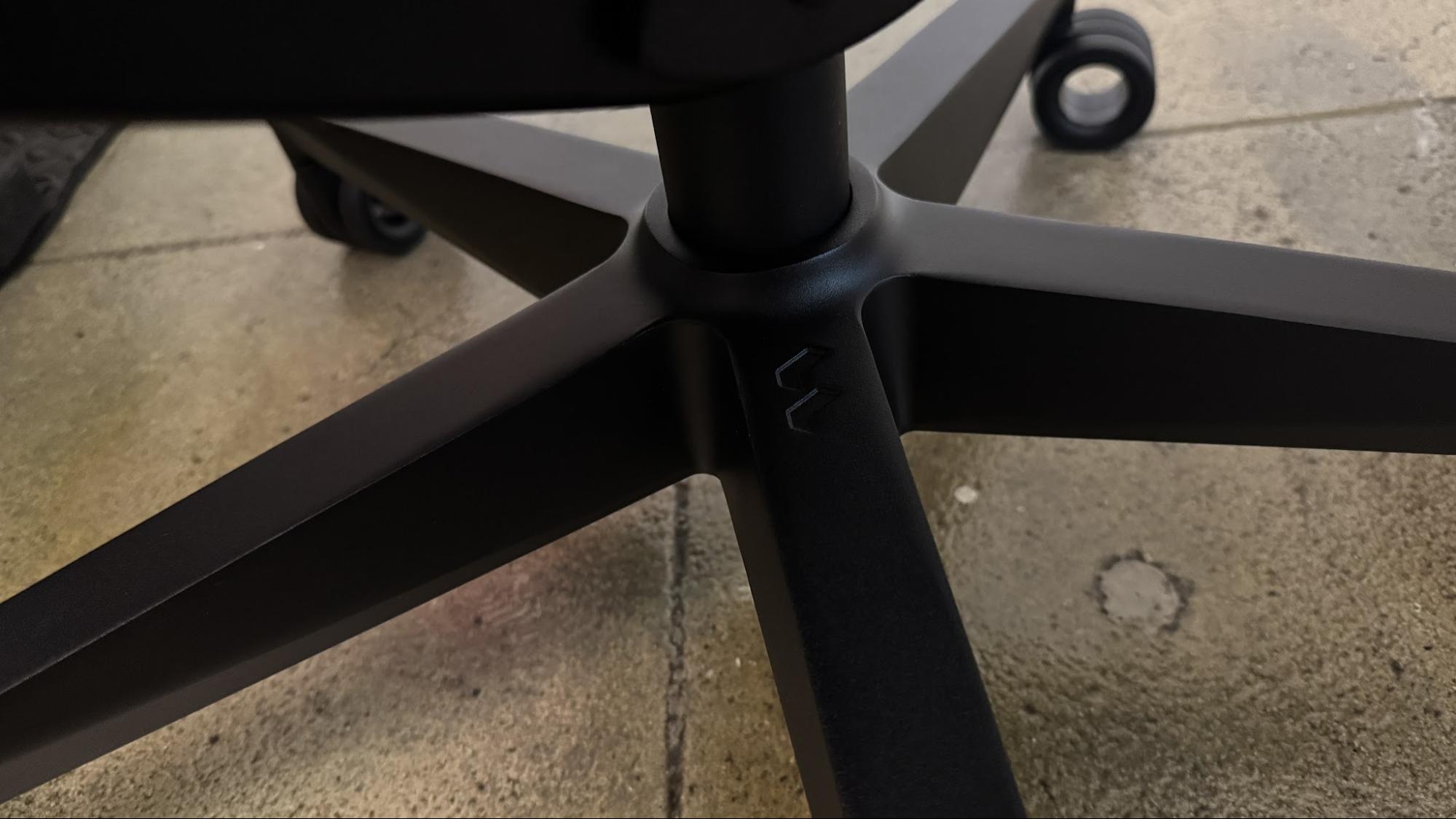
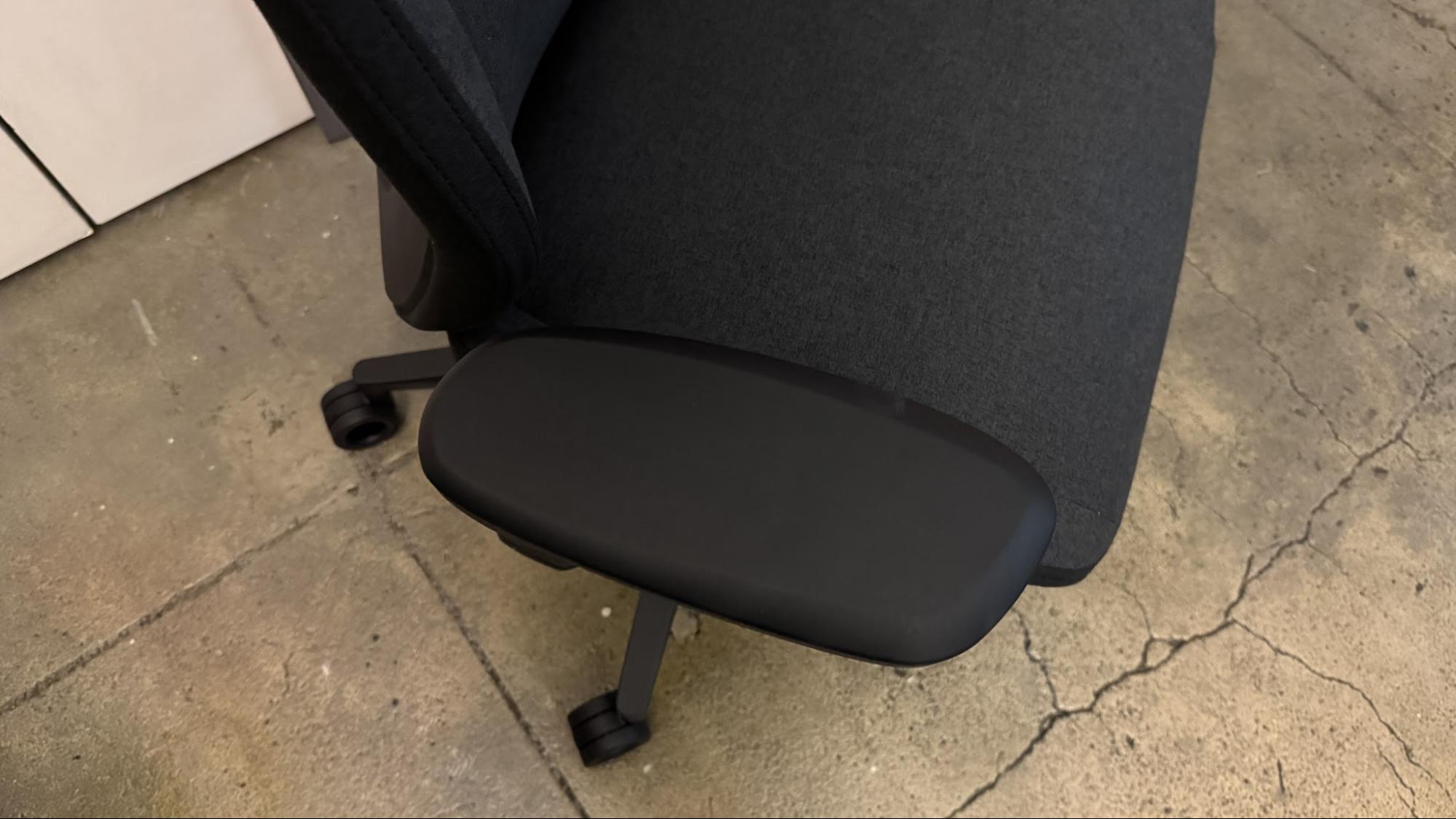
Fabric aside, the Refine 2 looks very similar to its predecessor, with the same "refined" racing-inspired silhouette. It sits on a sturdy, five-spoke metal base with large, hollow plastic casters and a class 4 pneumatic gas lift. It features a glass-fiber reinforced frame with a thick, padded seat that has slightly raised sides — not quite a bucket seat, though it does have the traditional forward hump that bucket seats have. The seat width is approximately 17 inches (431.8mm) between the sides; with the sides included it's closer to 20.5 inches (520.7mm).
The chair has a tall, racing-style backrest with slightly winged shoulder support and a headrest. The chair measures 18.75 inches (476.25mm) wide at the shoulders, and is approximately 53.7 - 58.5 inches (1365 - 1485mm) tall overall. The backrest consists of fabric stretched over a plastic frame for firm, suspension-style support. The chair also features manually-adjustable lumbar support, which presses through the backrest and can be moved vertically and adjusted for strength.
The Refine 2 is not a bad-looking chair, but it is big, heavy, and difficult to maneuver once it's been assembled. It weighs almost 80 pounds (36kg), and is fairly bottom-heavy, which I suppose is good for those who want to spend a lot of time tilting in this chair.
Comfort and Adjustments
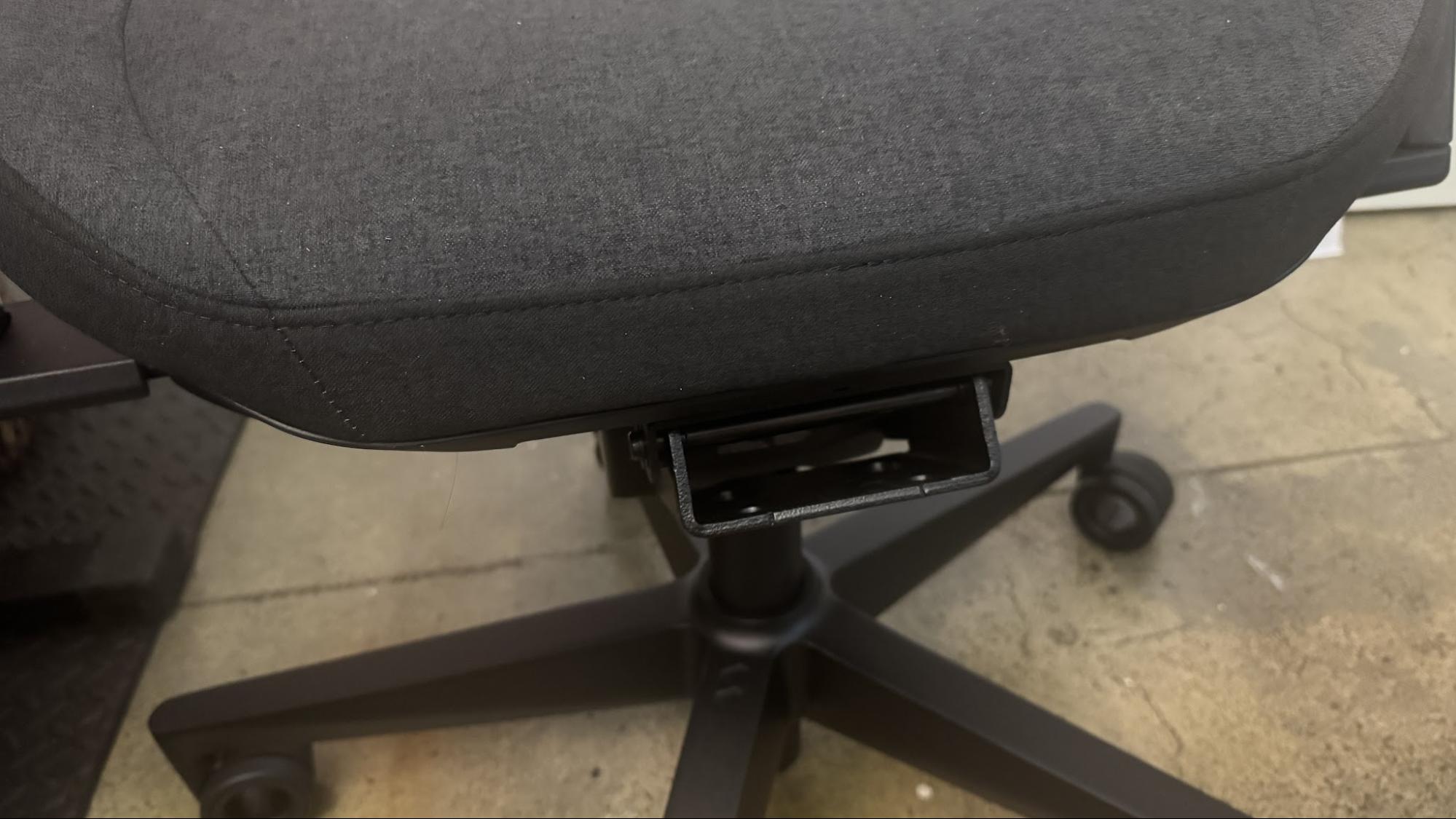
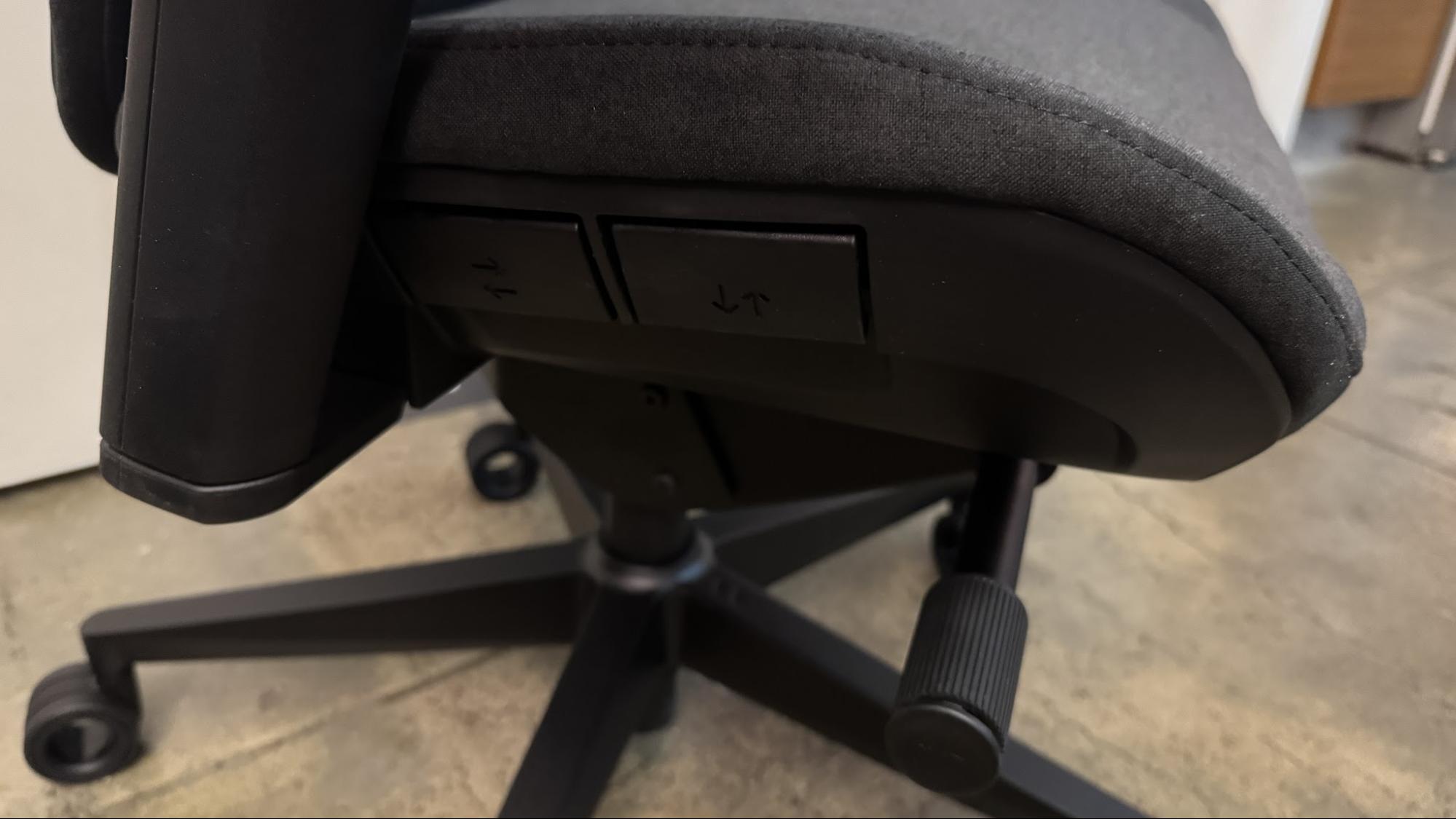
The Refine 2 is highly adjustable, though it doesn't offer some of the traditional gaming chair adjustments, such as the ability to lie almost completely flat. There are two levers on the right side of the chair, just under the seat, that control seat depth and height. The front lever controls height, and works as expected — pulling it raises and lowers the chair's height via its gas lift. The floor-to-seat height ranges from 19.3 - 24 inches (490 - 610mm).
Tom's HardwareTom's Hardware
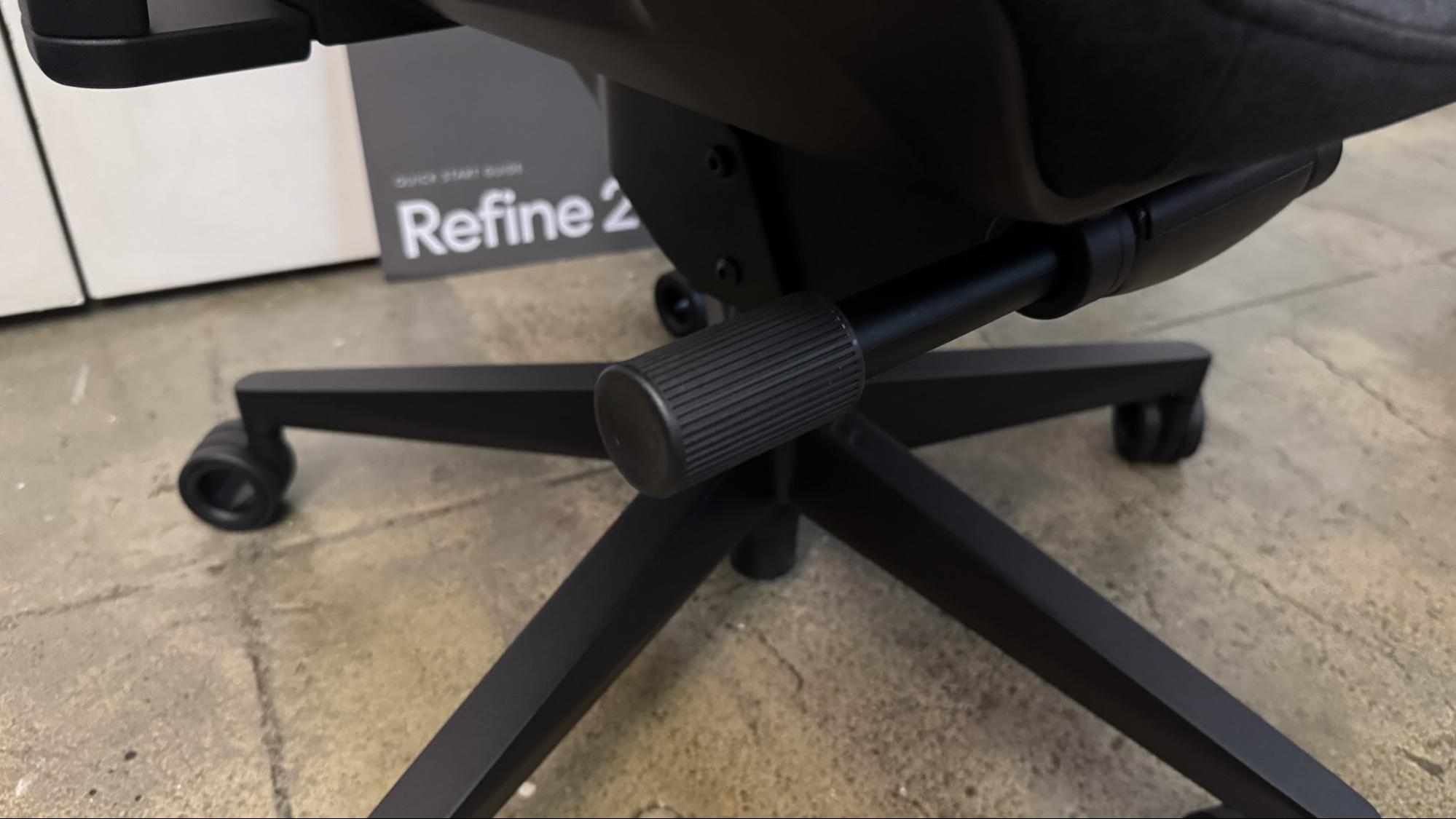
The back lever controls seat depth, which starts at around 16.7 inches (425mm) and can be adjusted to approximately 19.69 inches (500mm), which is pretty deep. Under the two levers there's a knob for adjusting the strength of the chair's tilt limiter — twisting forward (clockwise) makes it stronger, while twisting backward (counter-clockwise) makes it weaker. One of my main issues with the original Refine was that the tilt limiter was far too strong, even at its weakest setting. I'm pleased to see that the Refine 2 has toned down the absolute strength of the tilt limiter, but unfortunately it's still just a little too strong for me to be able to easily lean back. While I did manage to find a comfortable position with the Refine 2 by tilting back and locking the chair into a slightly reclined position, I would still prefer more flexibility in the seatback while I'm working.
Tom's HardwareTom's Hardware
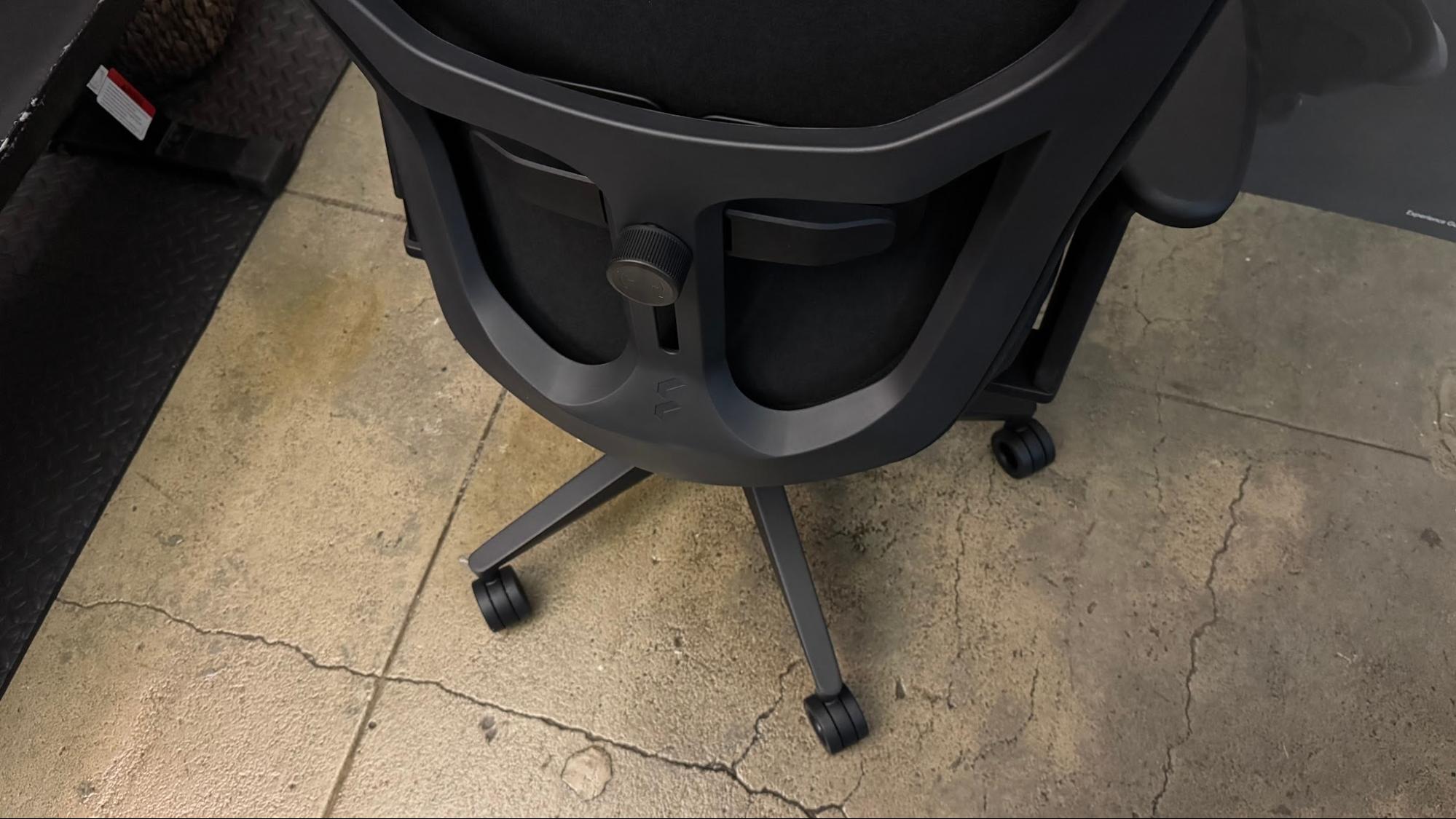
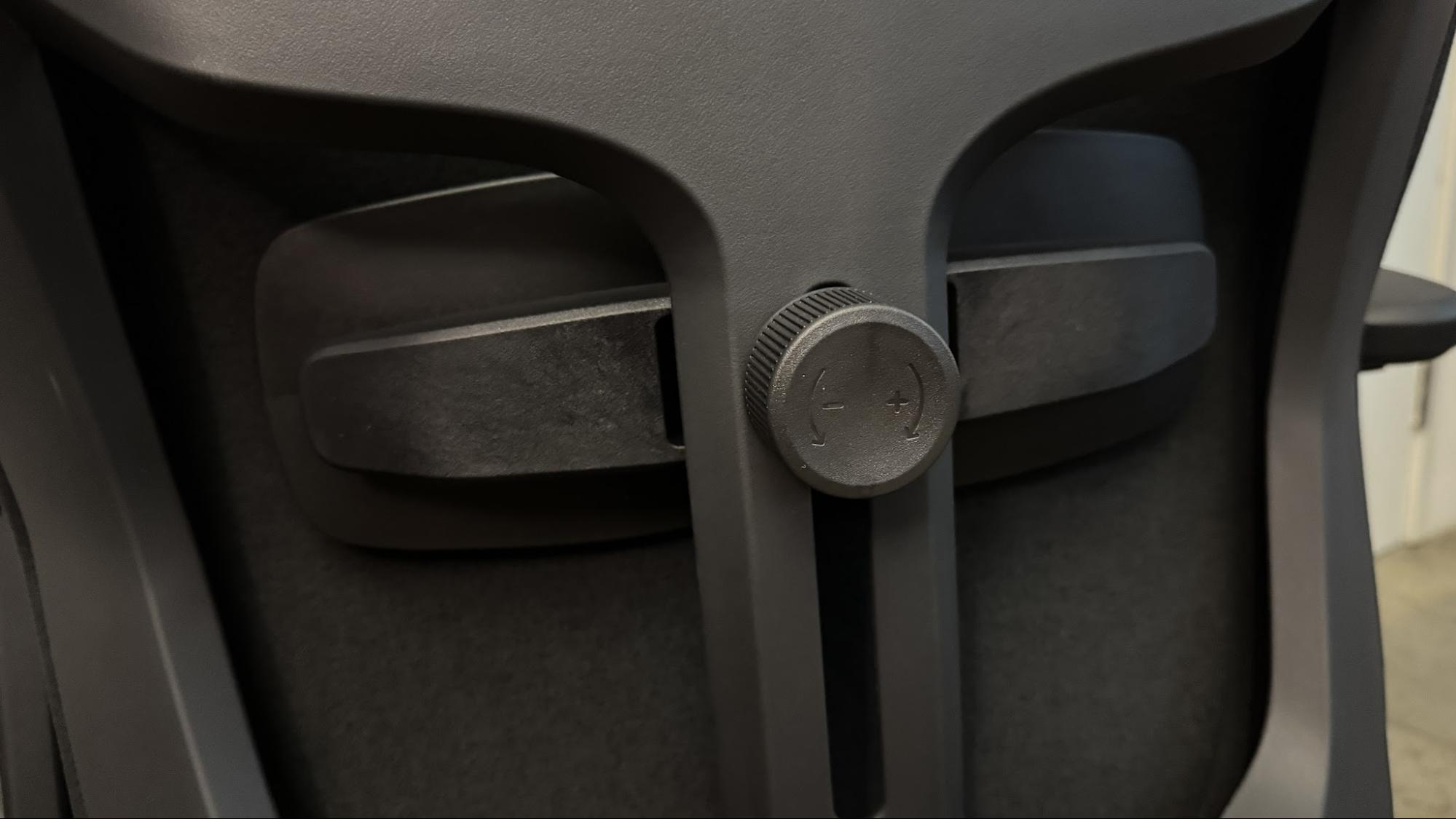
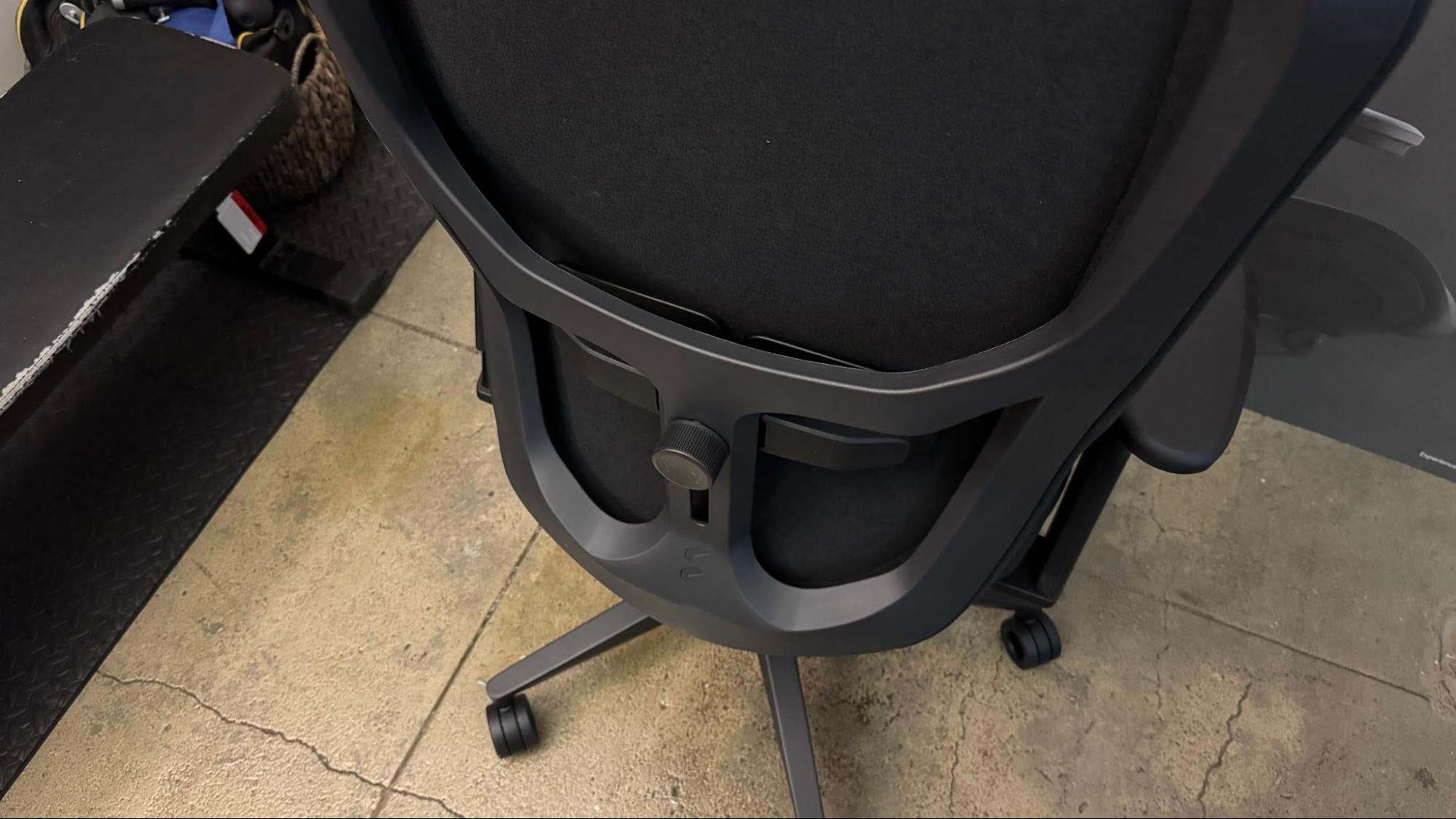
The Refine 2 has adjustable lumbar support in the form of a moving lumbar pad that presses through the seat's suspension back. The lumbar pad can be moved up and down (you'll need to move it manually), and support can be dialed up by twisting the knob clockwise, or dialed down by twisting the knob counter-clockwise. The lumbar support now features dual pads on either side of your spine (instead of just one pad, like the original Refine had), which flex and adapt as you move to better support your lower back. The dynamic support was nice, though I think I still prefer vertically-adaptable support (like what's on the Herman Miller x Logitech G Vantum).
Tom's HardwareTom's Hardware
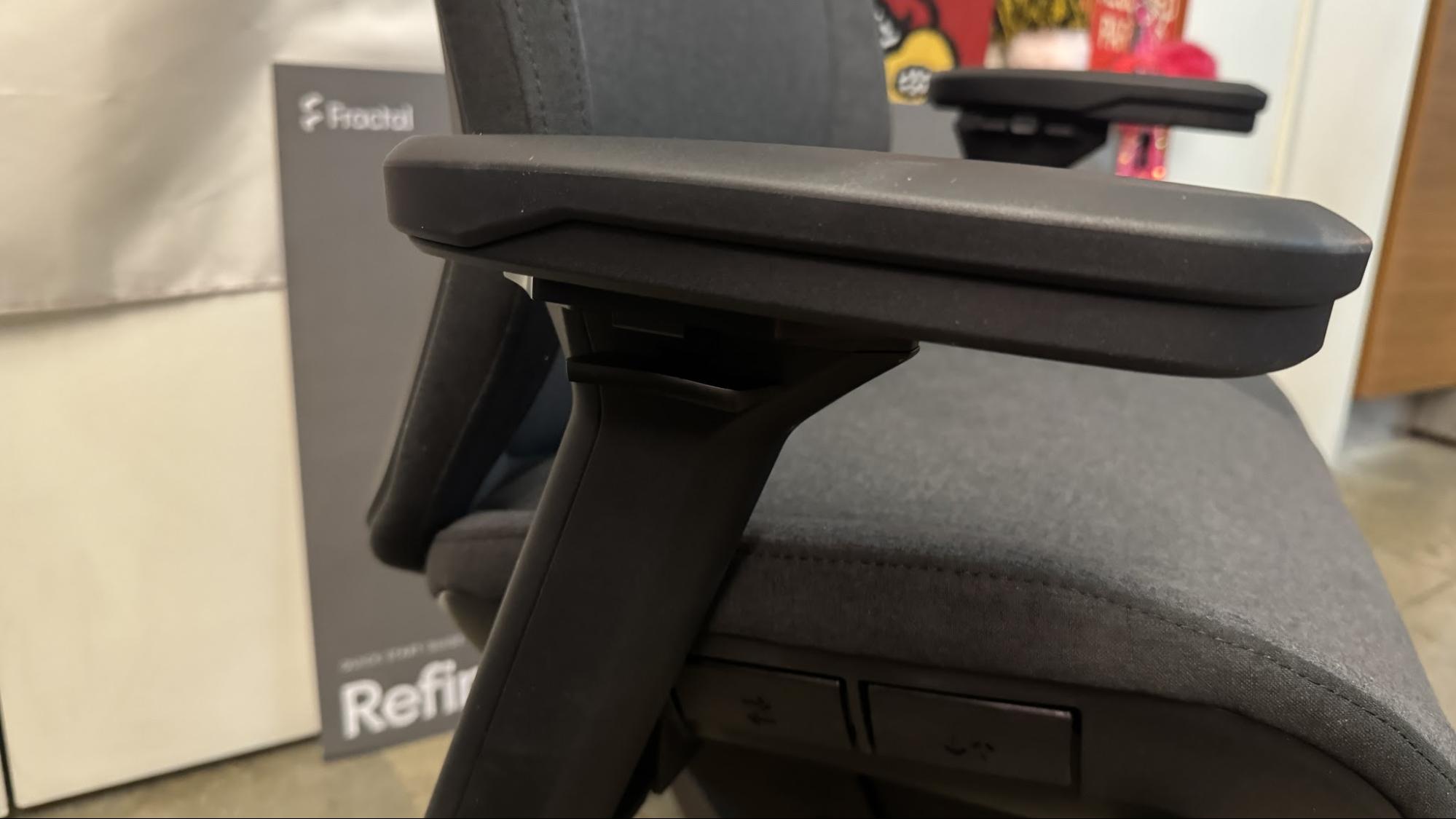
Like its predecessor, the Refine 2 has 4D adjustable armrests — you can adjust the height, width, depth, and angle. Unlike its predecessor, these arm rests do fully lock in place, as the depth (back/forward) movement is now locked to the small button (on the inside of the armrest, near the front) that also locks angle. There's a lever on the outside of each armrest for adjusting height, and a button on the inside (in the middle) for adjusting width. You can also adjust overall armrest width at the base, though you'll need to break out the hex wrench to do this.
(Image credit: Tom's Hardware)
The armrests have wide, padded polyurethane-covered tops and are fairly comfortable. I did find the depth/angle lock to be a little difficult to easily maneuver — especially when I wanted to adjust angle (there are only three angles — neutral/straight, and about 20 degrees inward and outward), but I suppose that's the price we pay for locking arm rests.
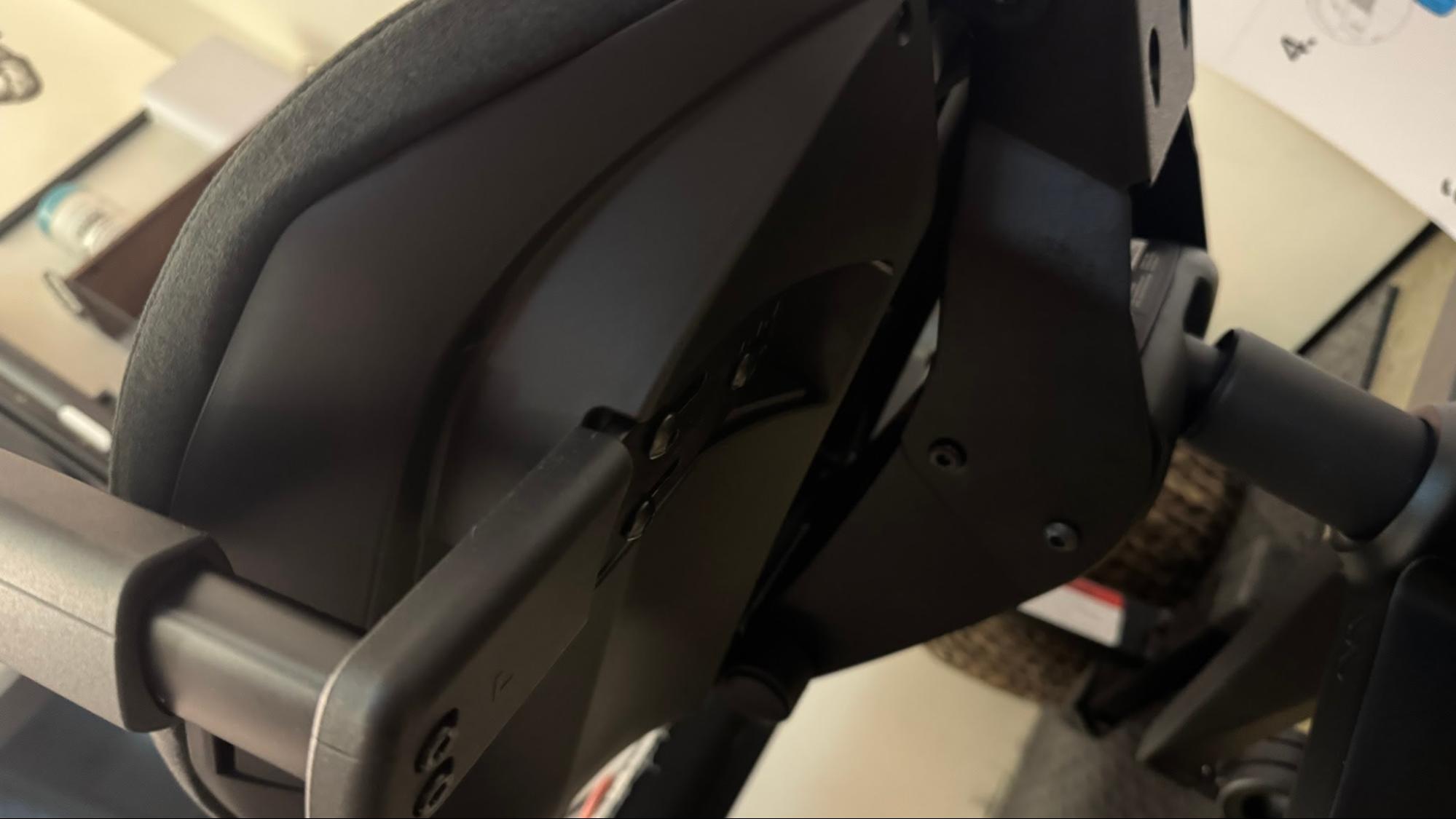
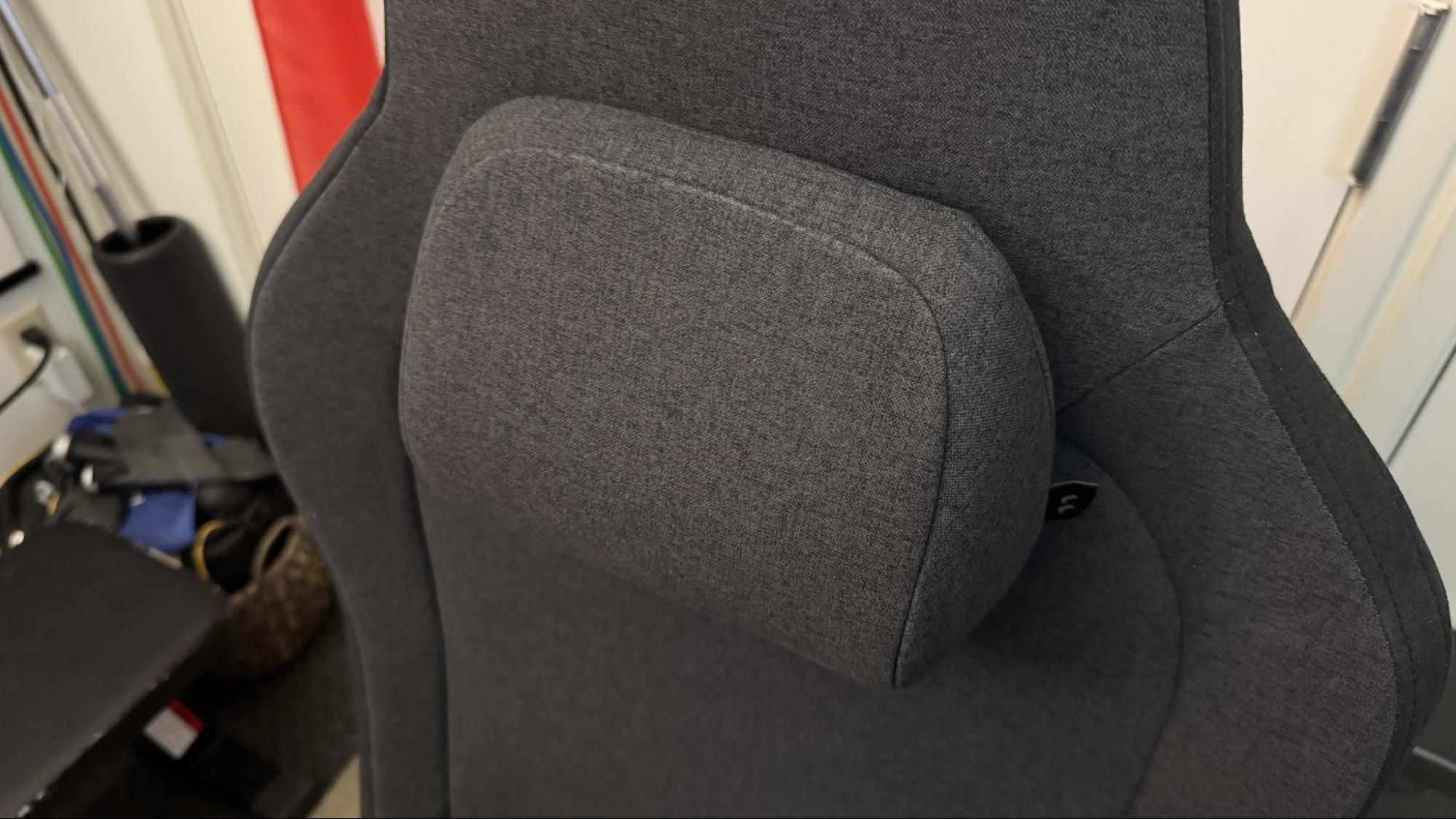
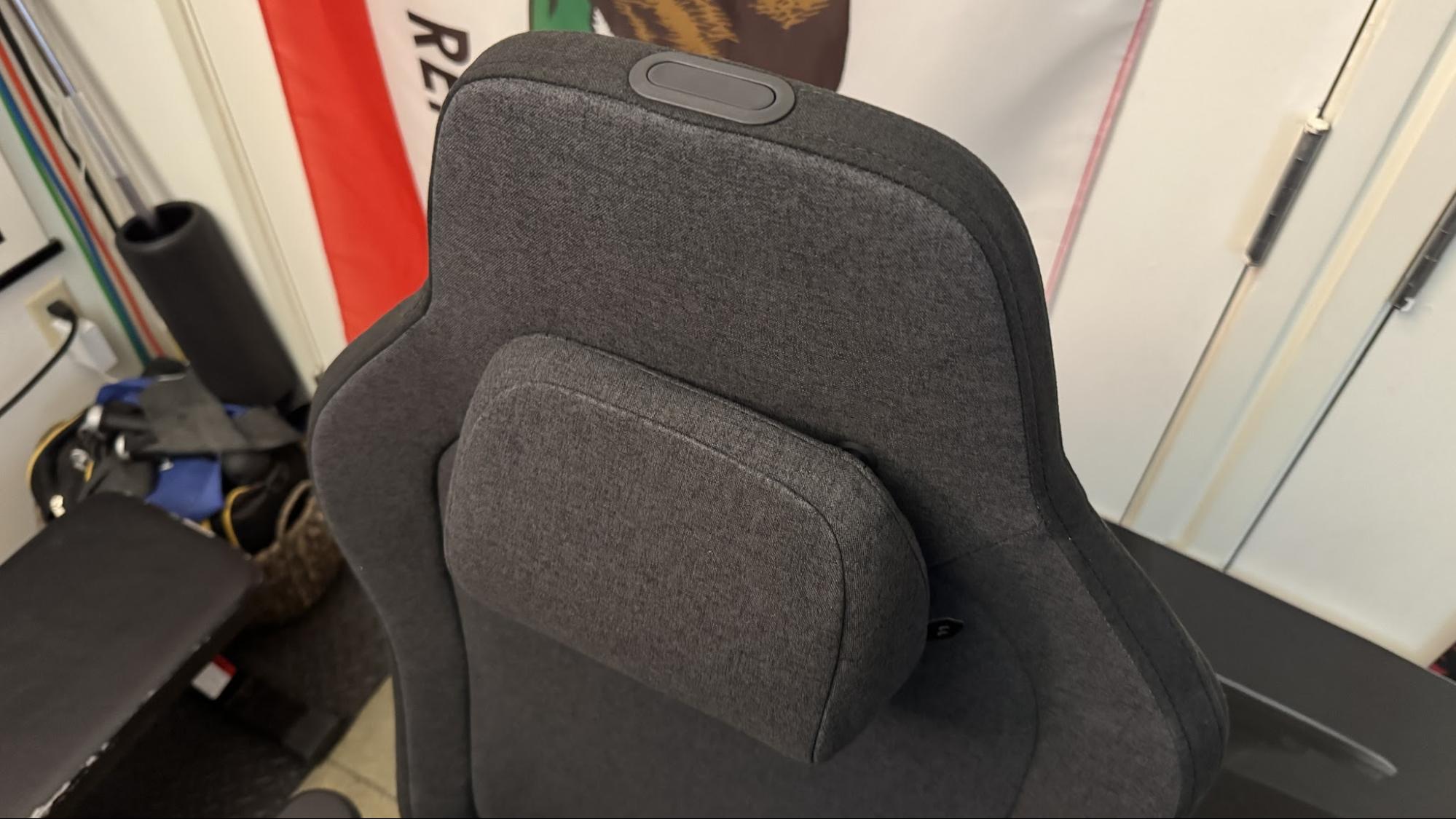
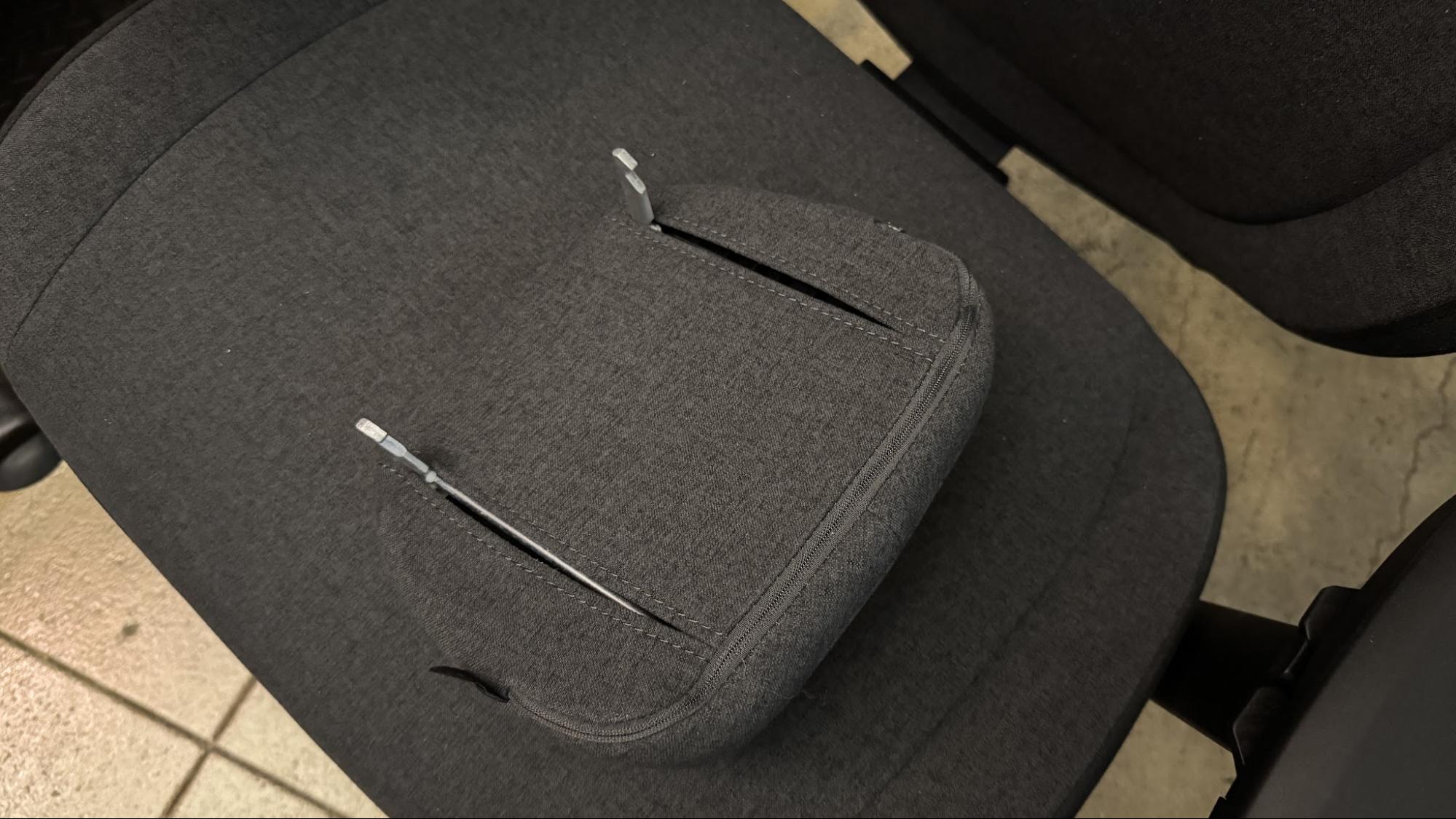
The chair has a built-in, detachable neck pillow implemented the same way it is on the original Refine — attached to the chair via two sturdy metal attachments that click into place. The neck pillow can be manually raised or lowered, or it can be removed completely by pressing the button at the top of the backrest. The neck pillow is very similar to the one in the original Refine — moderately dense fabric-covered memory foam with a bottom-heavy sloped shape designed to sit at the base of your neck.
The maximum recommended weight for the Refine 2 is approximately 300 pounds (135kg). However, the recommended weight range is 132 - 300 pounds (60 - 135kg) and the recommended height range is 5'5" - 6'7" (160 - 200cm). I'm right at the lower end of this range (I'm around 5'7" / 171cm and I weigh around 135 pounds / 61kg), and the chair still seemed too heavy for me. While the tilt limiter was weaker than the tilt limiter on the original Refine, I still found it hard to easily tilt back and ended up having to lock the chair into position for comfort. My husband, who's 5'11" (180cm) and weighs around 190 pounds (86kg) had a much easier time tilting and maneuvering the chair.
Bottom Line
The Fractal Refine 2 is actually a pretty nicely refined version of the original Refine. The company definitely took some feedback into account and made some adjustments — but are they enough? This chair is practically identical to its predecessor, and the relatively minor changes aren't really enough to warrant an upgrade if you already have the original. If you don't already have the Fractal Refine, the Refine 2 is a pretty nice halfway point between racing-style gaming chairs and pricier task/office chairs — and the price is about halfway, too. At $640, this is a little more than you'll spend on a typical racing-style chair, such as SecretLab's Titan Evo NanoGen, but it's significantly less than you'll spend on most office-style chairs, such as SteelCase's Karman.

 Anmelden